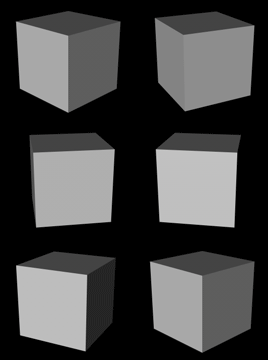
1. Lets keep it basic and just use a cube so go to Objects>>Primitive>>Cube
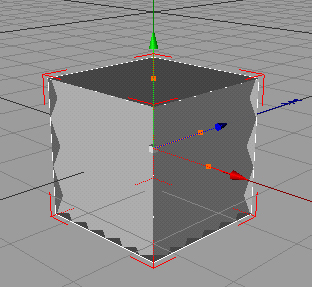
2. Now click on the record button on the right and drag the bar that says 0F all the way to the right where it says 90F


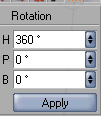
3. In the rotation column use these settings and then press apply......
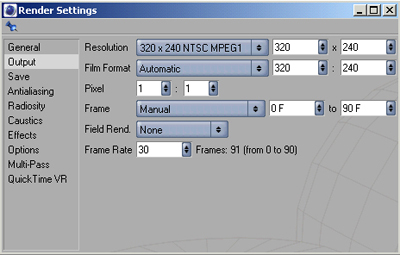
4. Now go to Render>>Render Settings go to Output and use these settings...
5. Now go to Save and use these settings...
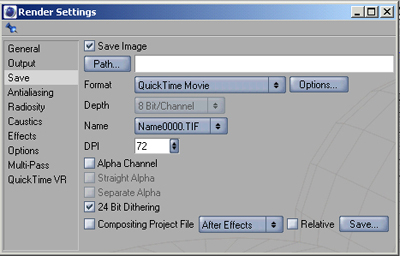
......now press Path and save it where u want.
6. Press Shift+R to render in picture viewer. let each frame load and once its done close the window and go to image ready.
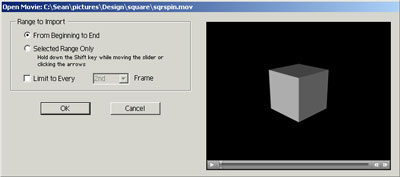
7. In image ready open up the file u just saved and do this and press OK....
8. Finally go to Save>>Save optimized as and save the final .gif