

Don't think you have to be limited to the fonts you have. You can take any font and stylize it to your liking. Here's a method for doing just that.
Step one
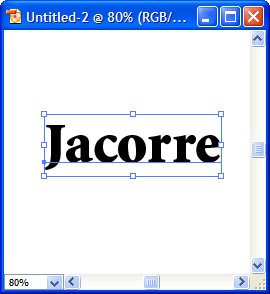
Using the Type tool, type out some text using a font you like.
Step two
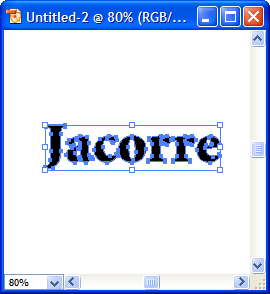
With your text still selected, go to Type > Create Outlines.
Step three
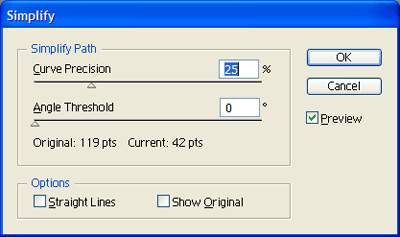
Now with your text still selected, go to Object > Path > Simplify. You can play around with the settings and preview them before you apply. Make sure Preview is checked off. I used the following settings:
This is the result I got:
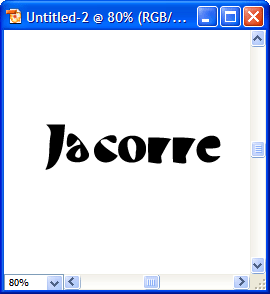
That's it! This is a quick and easy way to take one font and turn it into a different style. Don't forget that you can also use the Direct Selection tool to tweak the nodes on each letter and stylize the text even more.
