Step 1
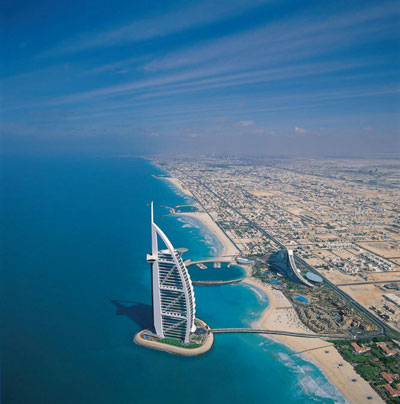
Open a picture which you want to manipulate in Adobe Photoshop. I chose the next picture to work with:
Step 2
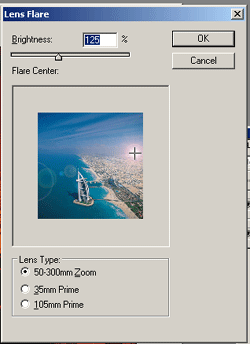
In Filter > Render > Lens Flare configure the next settings and positions:
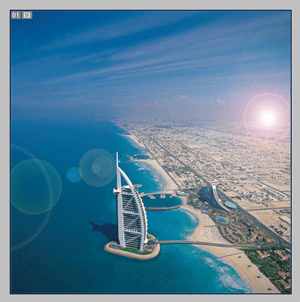
You should get this:
Step 3
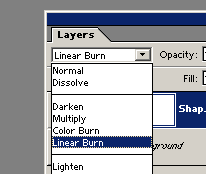
Create a new layer in the Layers Tab. Draw a rectangle there and set the color to "#FF8400". In Layers Tab choose the "Layer blending mode >> Linear Burn":
That's it! The picture should be like this: