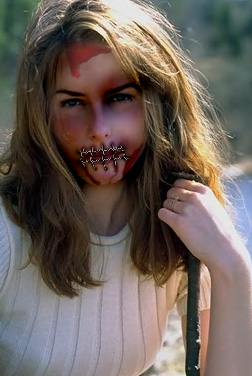
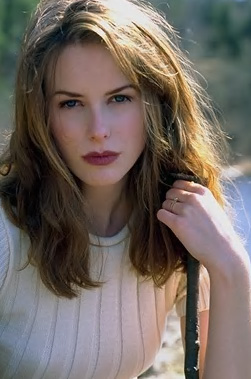
Start by opening an image of a model.
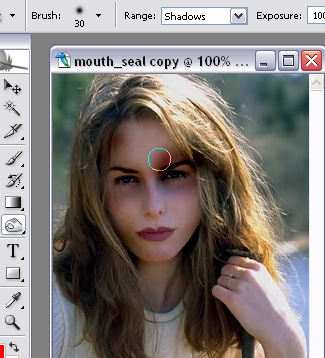
Select burn tool with the settings shown. Now apply the brush on the face area to create bruise marks.
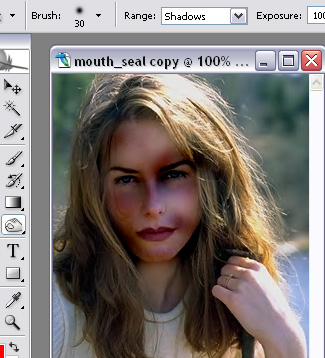
Create some lines as shown using line tool. Select and merge all the line layers.
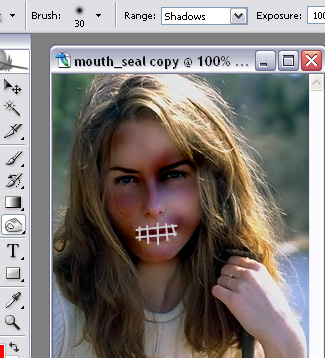
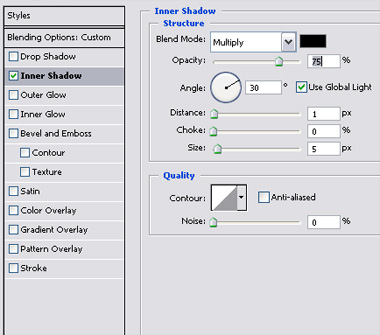
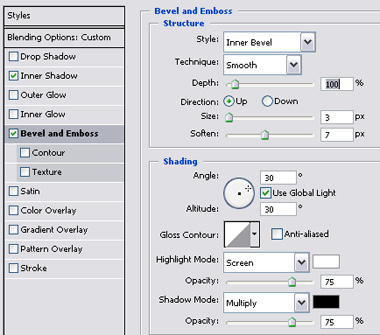
Double click the layer to open layer style window. Apply settings as shown.
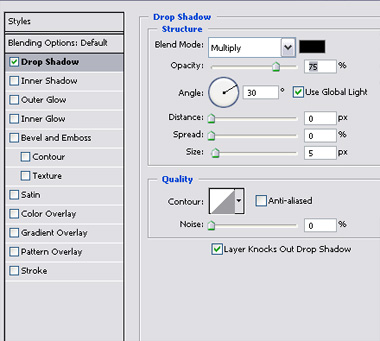
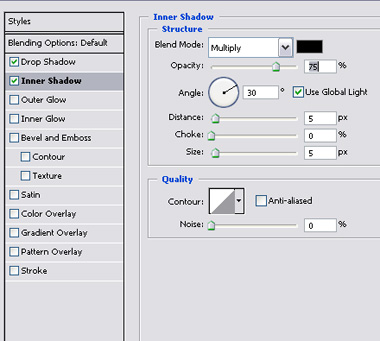
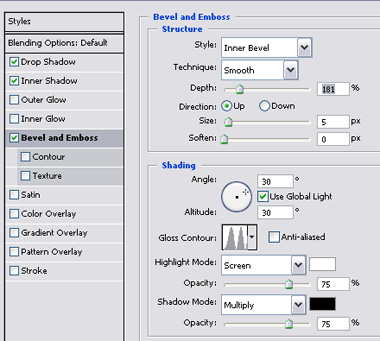
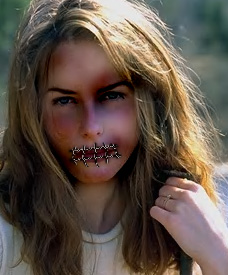
Select the burn tool again. Select image layer and apply the burn tool on the corners of the lines.
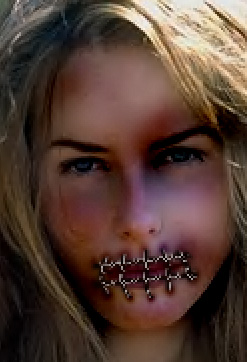
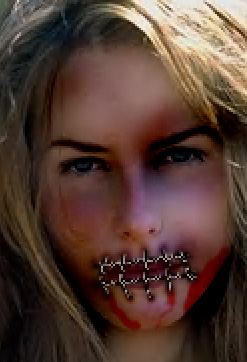
Create some blood strokes using brush tool.
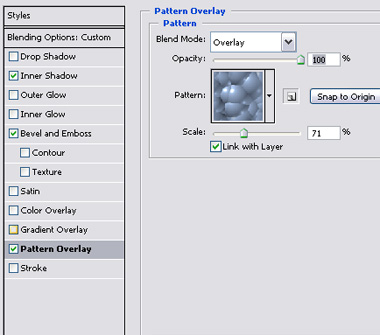
Double click the layer to open layer style window. Apply settings as shown.
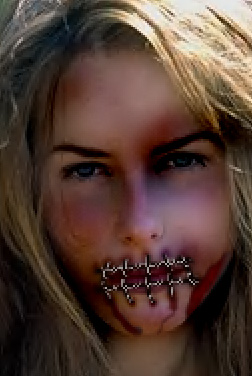
Similarly create more blood spots on the face.