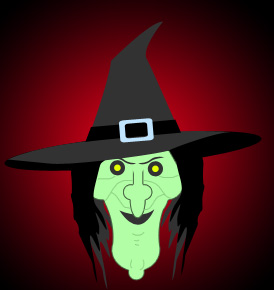
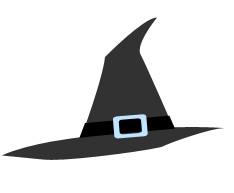
Start by creating a hat shape using pen tool.
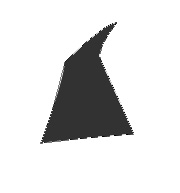
Create a rectangle using rounded rectangle shape tool. Press Ctrl+T. Right Click and select distort. Adjust the nodes to get the shape as shown.
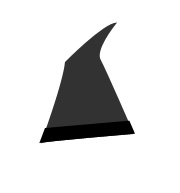
Create a rounded square frame using custom shape tool. Rotate and place as shown.
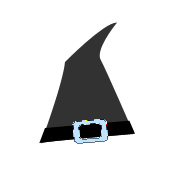
Create lower part of the hat using pen tool.
Create a circle using elliptical shape tool. Move this layer below all the layers in layer order in layer palette.
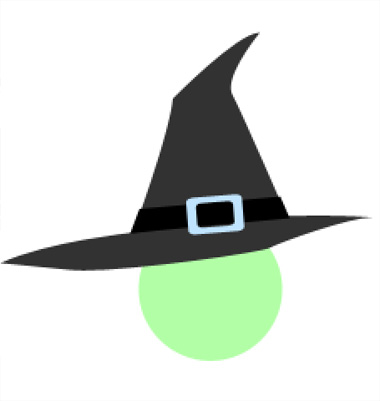
Enable add to shape area from the top bar. Create some circle shapes using elliptical shape tool.
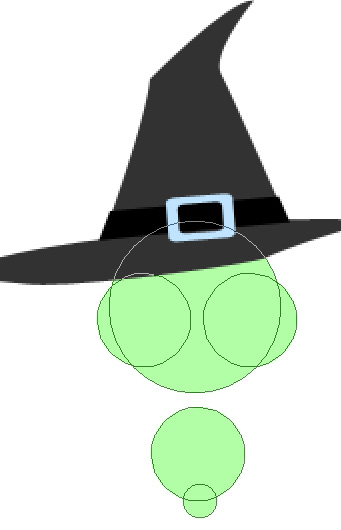
Create a rectangle using rectangular shape tool. Press Ctrl+T. Right Click and select Warp. Adjust the nodes to get the shape as shown.
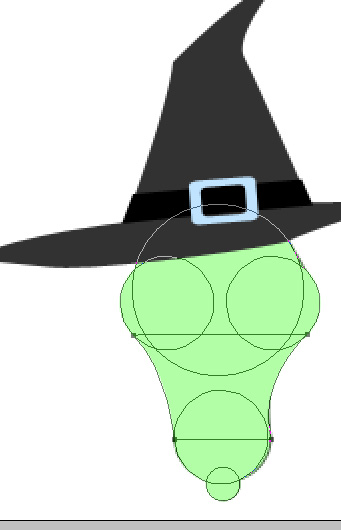
Apply 1 pixel stroke layer style.
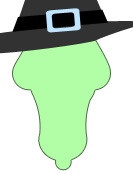
Create an ellipse using elliptical shape tool. Move this layer below all the layers in layer order in layer palette.
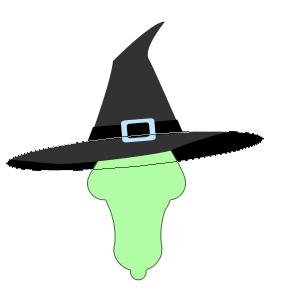
Create eye brows using "1 pixel" solid brush.
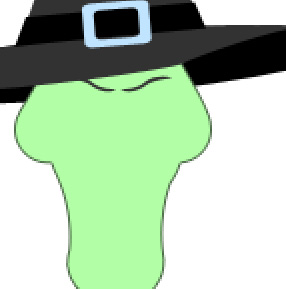
Create hair using pen tool. Fill it with black color.
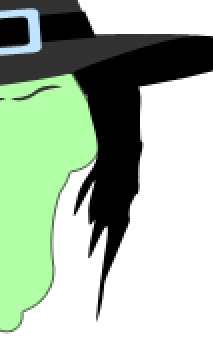
Duplicate the layer and fill it with gray color. Move this layer below all the layers in layer order in layer palette.
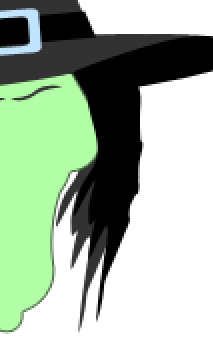
Duplicate both the layers. Press Ctrl+T. Right click and select Flip Horizontal and place on the other side.
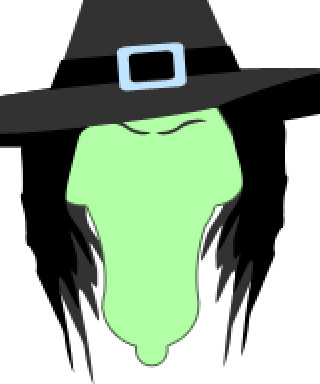
Create some circle shapes to create eyes.
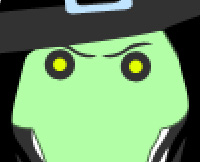
Create an ellipse using elliptical shape tool. Enable add to shape area from the top bar. Create two circles using elliptical shape tool. Create a rectangle using rectangular shape tool. Apply stroke layer style.
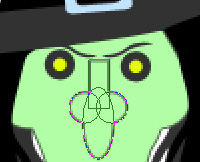
From layer menu select layer style>>create layers. Select and merge all the resulting layers. Select eraser tool and erase the top edge.
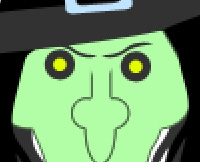
Create lips using pen tool.
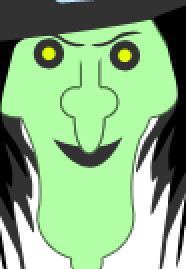
Select a 1 pixel solid brush. Add details on her face.
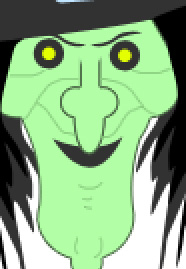
Apply a nice gradient to the background layer.