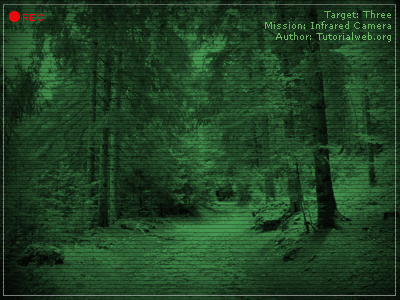
Today we'll see how to create a fake infrared effect on our photos.
Open a photo and go to "Image - Mode - Greyscale" to convert it in a greyscale photo.
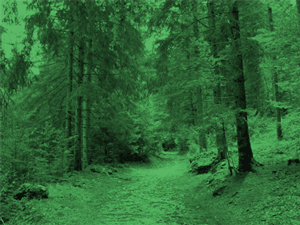
Repeat this step setting again "RGB color", then go to "Image - Adjustment - Hue and Saturation", check the colorize box and set a dark green to the photo.
Create a new layer, fill il with black and put it below the photo's layer.
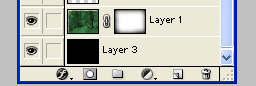
Select the photo's layer again, and with the "Lasso tool" (
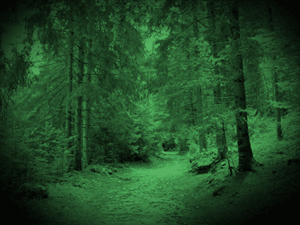
 ) draw a big circle over the photo, then click on "Add Layer Mask", you'll get something like this:
Now open a new 3 x 3 document, and with a 1px black pencil draw a 3px line at the top of the document:

Go to "Edit - Define Pattern" and hit ok.
In the main document create a new layer, go to "Select - all" and then on "Edit - Fill", choose "Pattern" from the options menu, and select the pattern you've just create.
Set the opacity level to 25%.
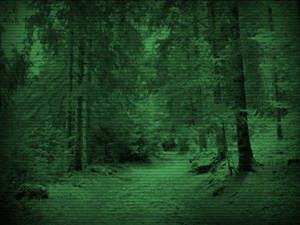
You're done, now add some particular like mines, and your fake infrared camera's ready!