Learn how to made this amazing photo effect to your photos.
Open a photo.

Duplicate the layer and go to "Filter - Brush strokes - Angled strokes" and use this settings:
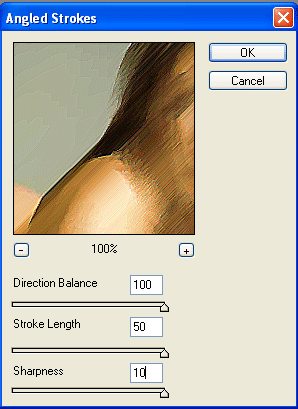
Set the layer mode to Overlay.

Duplicate again layer 1 end move it at the top of all the layers.
Go to "Image - Adjustment - Desaturate" and then on "Image - Adjustment - Brightness/Contrast" and set the Brightness to the Max.
Set the layer mode to: Vivid Light

Duplicate again layer 1 end move it at the top of all the layers.
Go on "Filter - Artistic - Watercolor" and use this settings:
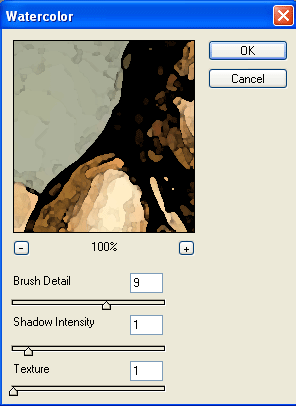
Set the layer mode to Saturation, and you're done!