


Maybe alredy exist many methods to get this effect, but this is probably the fastest.
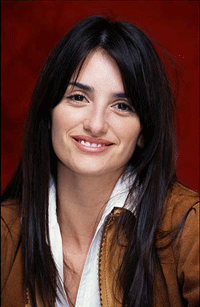
Open your photo.
In the palette layer click on "Create new fill or adjustment layer":
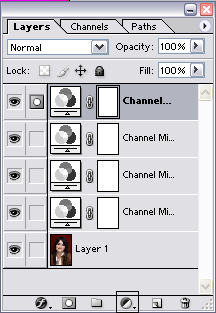
Select "Channel mixer", it will be displayed this windows:
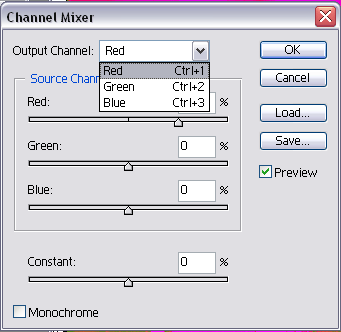
Well, play with this windows to get your "Andy Warhol Effect".
To get some better results, add many "Channel Mixer Layer" and play with them options.
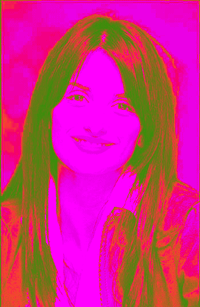
Here is an example of the results you could get:
Have Fun!
Ciа!
