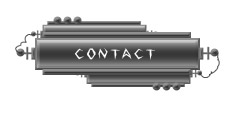
Create a rectangle using rectangular shape tool.
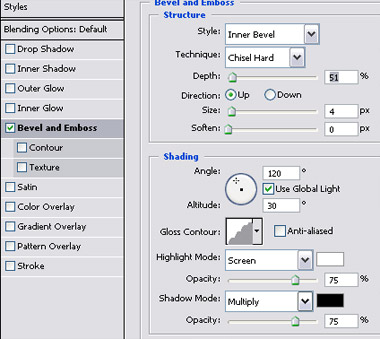
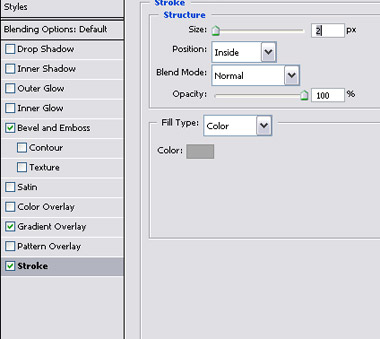
Double click the layer to open layer style window. Apply settings as shown.
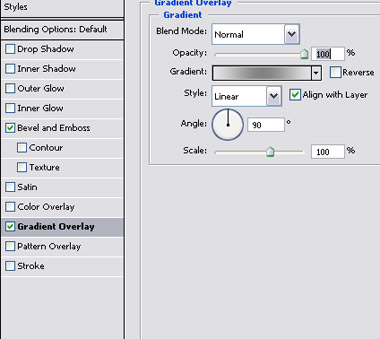
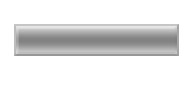
Duplicate the layer twice. Scale down and place one on top and another on bottom as shown. Move these layers below all the layers in layer order in layer palette.
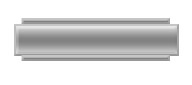
Create some lines and circles using basic shapes. Apply same layer style and place as shown.
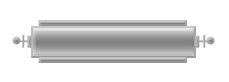
Select and merge all the layers. Duplicate twice and place as shown.
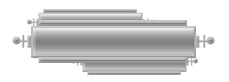
Create some circles and apply same layer style. Select a 1 pixel solid brush and create two connecting wires as shown.
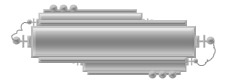
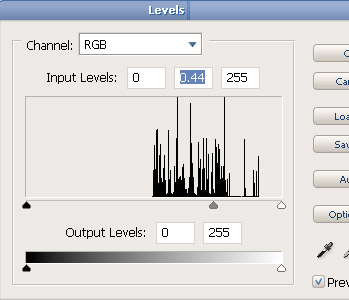
Select and merge all the layers. Press Ctrl+L to open level settings. Apply settings as shown.
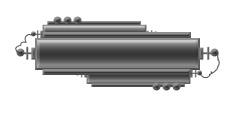
Type link name over this button.