

In this tutorial we're going to create a nice building from my favorite Mario game.
1. Open Photoshop and create a new document (with transparent background).

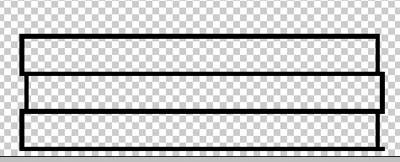
2. Zoom in to 1600% and select 1px Pencil tool. Start drawing frame.
Click to enlarge
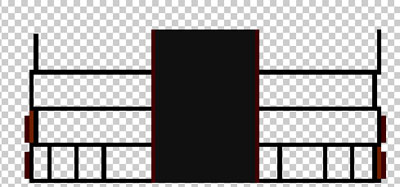
3. Go on and make another blocks, then start to color bottom level.
Click to enlarge
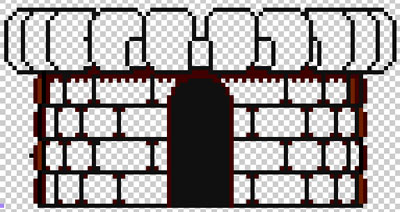
4. Now it's time to create the second level of the building.
Click to enlarge
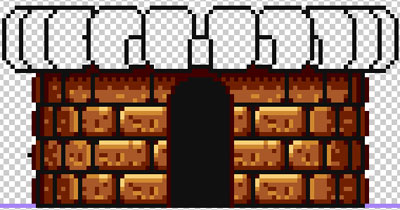
5. Now let's colorize walls near the door.
Click to enlarge
6. Use the following colors for the bricks #A85828 and #D08830.
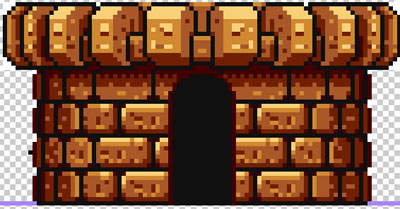
Click to enlarge
7. Continue coloring.
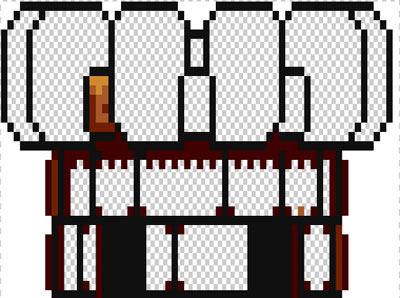
Click to enlarge
8. Now it's time to color the rest of the building. Use the following colors: #A85828 and #D08830.
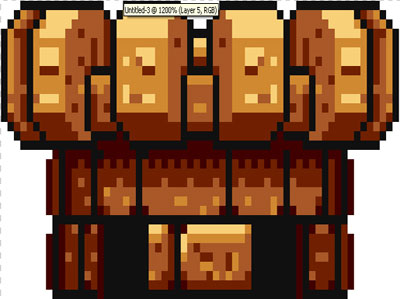
Click to enlarge
Here's what you should get.

