

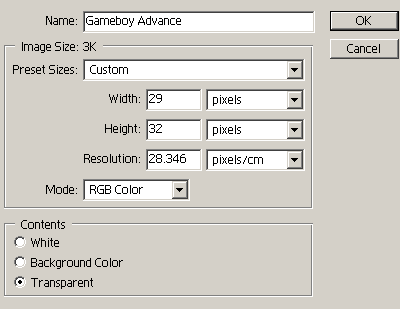
1.Open Adobe Photoshop and create a new document.
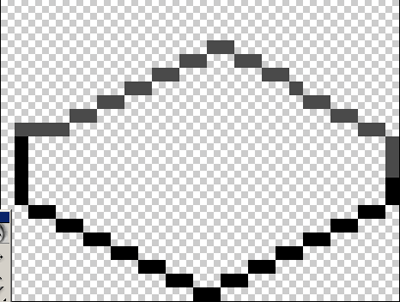
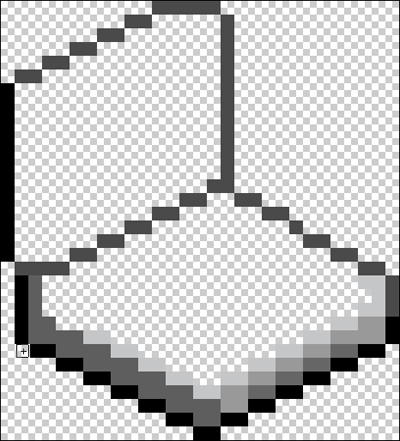
2. Select 1px pencil brush and draw some outlines.
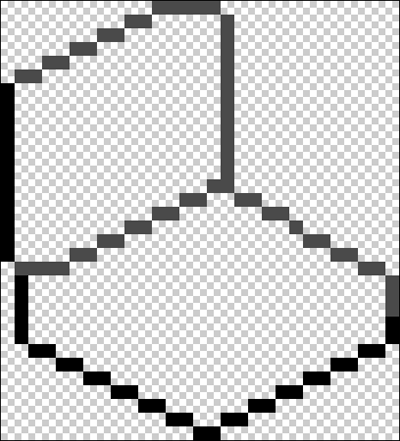
3. Now draw black base to the gameboy.
4. Add color to the outlines using #5F5E5F.
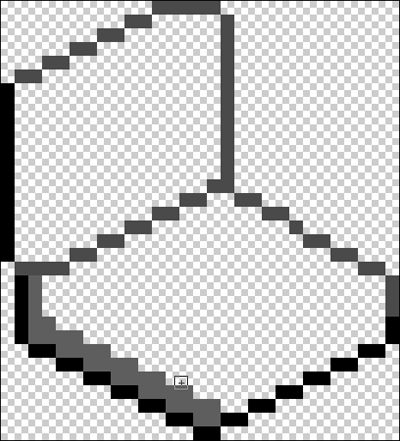
5. Continue drawing outlines using ##C5C6C7 color.
6. Color the outlines of the gameboy advance top using #A5A5A5 color.
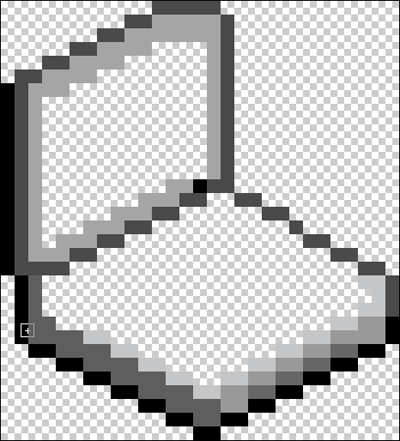
7. Draw the screen.
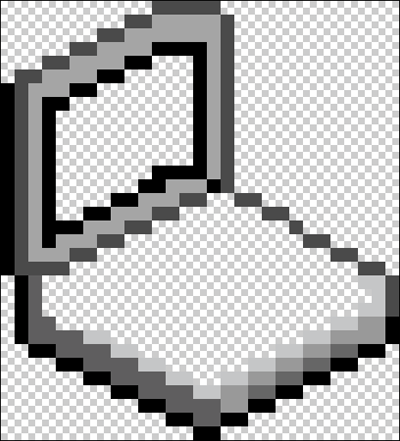
8. Add screen color #4973FF.
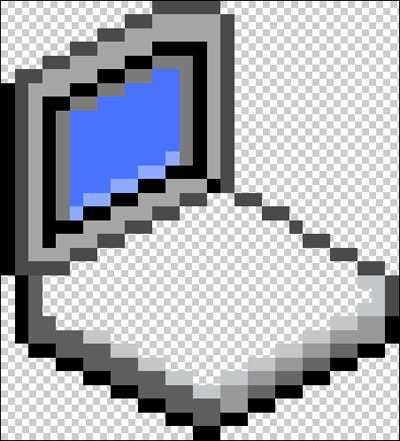
9. Fill the keypad using #A5A5A5 color.
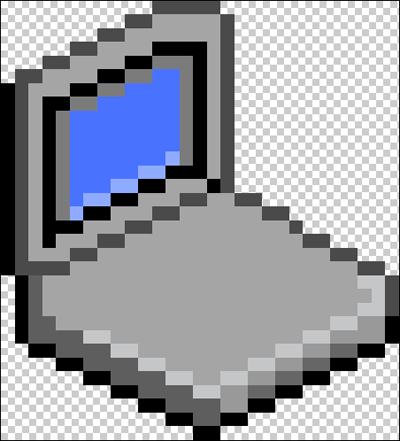
10. Draw arrows and buttons on the keypad.
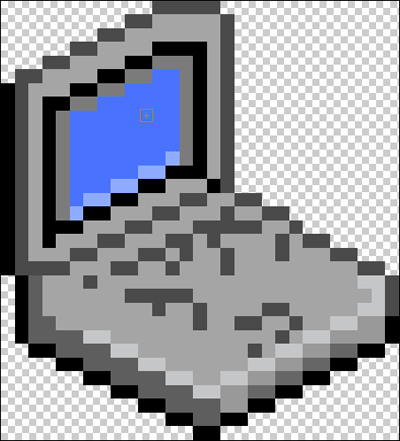
11. Add more colors to the gameboy to make it look more stylish.
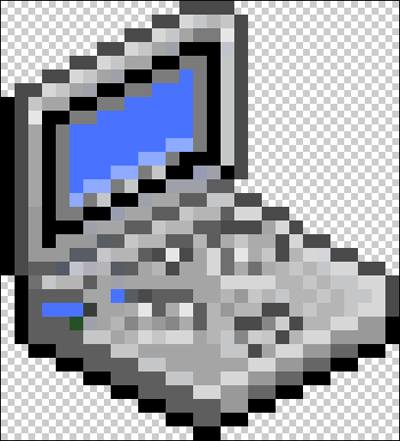
My final result is shown below.

