Step 1: Make a selection for the area that you want to give a border using the polygonal lasso and holding down the shift key;
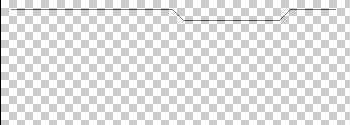
Step 2: Invert the selection so that the outer area is selected and fill it with black using ALT+Backspace;
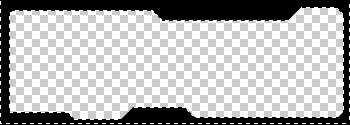
Step 3: Repeat above steps about 7 times and mess around with the transparencies so that all layers are visible through each other.
Step 4: Use the sponge filter and then bevel and emboss as you see fit, then just save it and you're done!
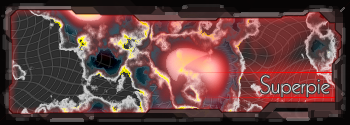
BTW this is what I got by doing this: