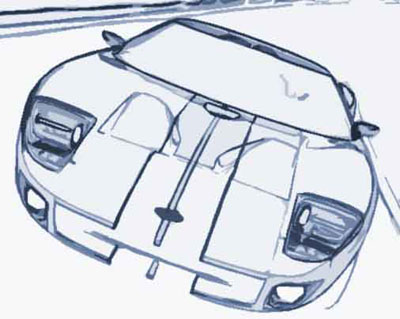
A short and easy tutorial producing another "toon-like" effect.
1. Start off with an image, it doesn't necessarily needs to be a car, but in this case, I picked one.
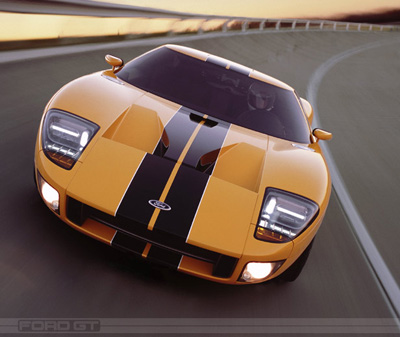
Click to enlarge
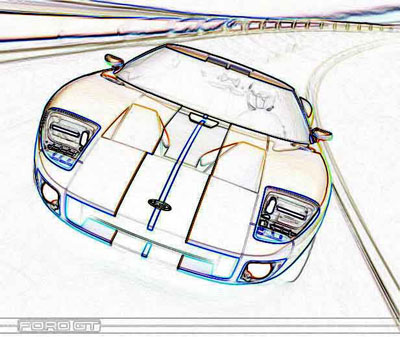
2. Do a Filter> Stylize> Find Edges.
3. Then do a filter> artistic> cutout. This smoothens up everything, and gives the picture a "toon-like" effect.
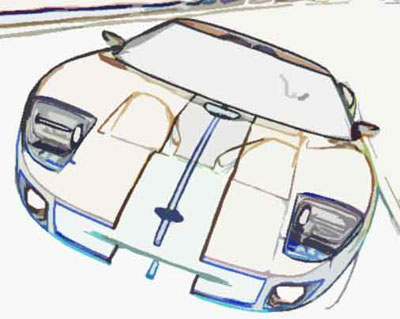
4. If you're unhappy with the colors, go to Image>Adjustment>Hue/Saturation and adjust the colors there. I adjusted my colors with 'colorize' checked on. It's just one of those things you have to experiment with.