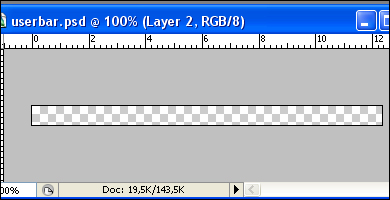
1. Create a new document with the dimensions: 350x19.
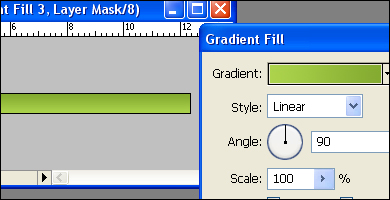
2. Create a new gradient fill layer. Select to colors with 90° angle.
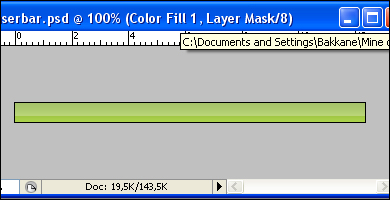
3. Create a new color fill. Color: White. Move the fill one third up like on the picture. Set the layer opacity to 28%.
4. Insert the the text and and other graphical elements. The font type is Myriad 21,86pt.
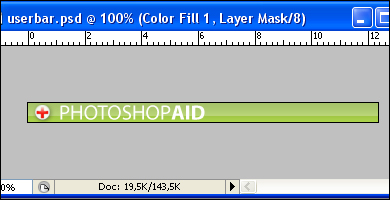
5. Create a shape using the pen tool. Then make a selection out of the layer (CTRL - "Layer Thumbnail"). Hide the layer.
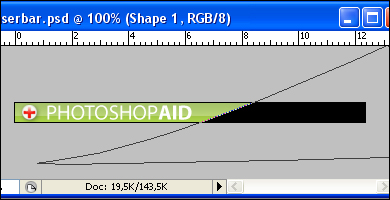
6. Create a new fill layer. Fill it with white and set the layer opacity to 25%.
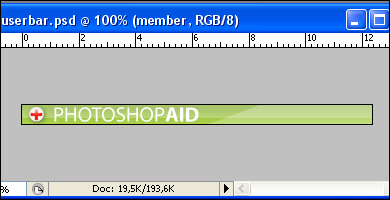
7. Insert the "member" text.
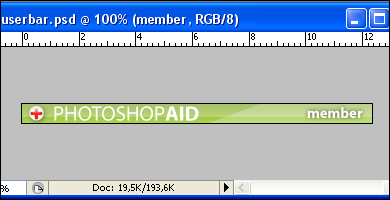
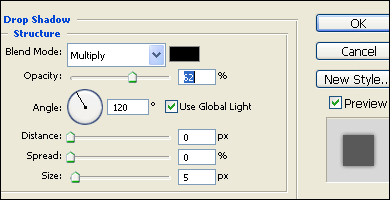
8. Add shadows to the text using these settings. You're done! You can add borders around the userbar if you want to.