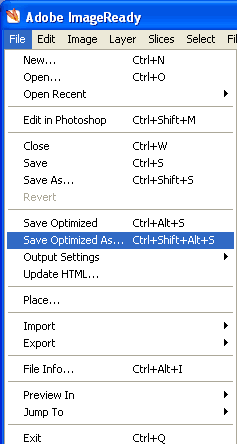
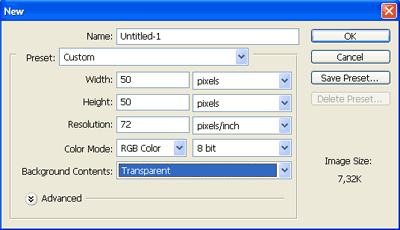
Create a new document 50/50px.
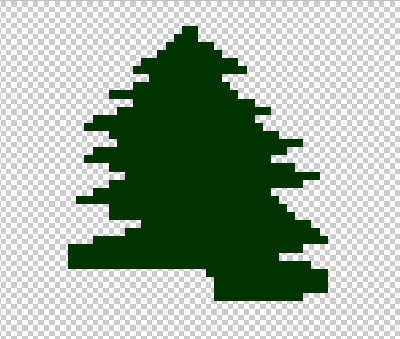
Zoom it to 1600% and pick up dark green Pencil tool.
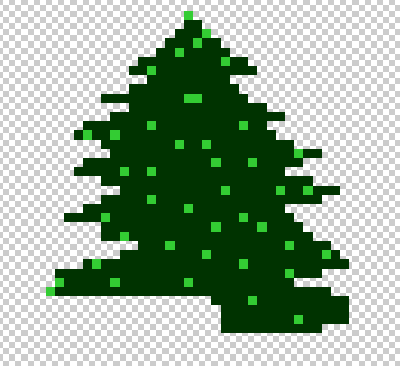
Draw some like this:
Create new layer and draw little green points.
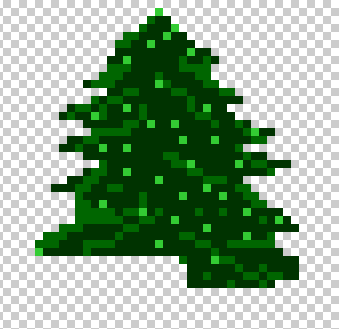
Append some lines - they are necessary for volume imitation.
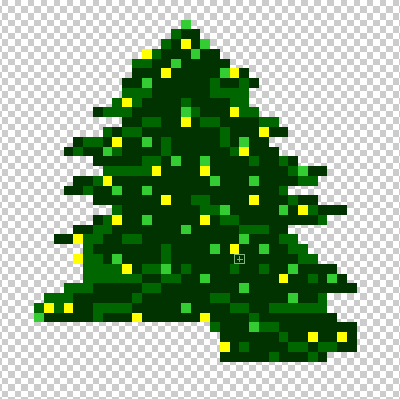
Start to decorate tree - draw yellow points (small lamps)
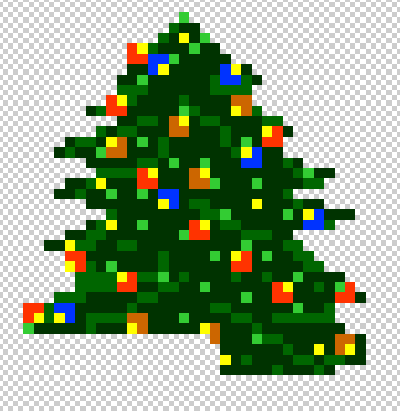
In a new layer draw boxes.
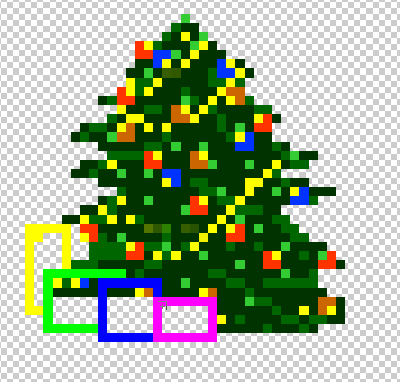
Now paint boxes.
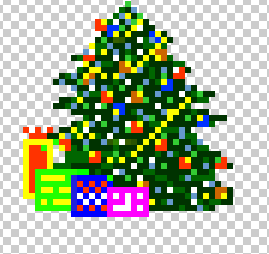
The fur-tree is ready. Merge layers.
Now it's time to add animation.
Draw white and blue points in a new layer.
In next layer draw red and white points.
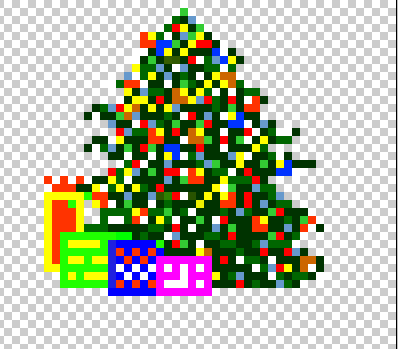
Our tree will be with blue sparks on one layer, and with red on another.
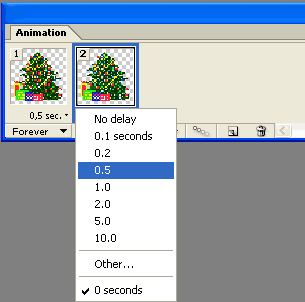
Set the time: