

It seem the photo is old with this tut...
1. Open a color photo and press Ctrl+Shift+U or go to Image>Adjustment>Desaturate
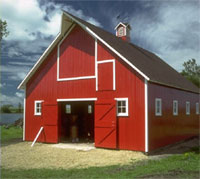
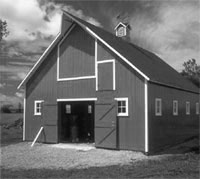
2. Apply Filter>Noise>Add Noise :
Amount : 20
Monochromatic : ticked
Uniform : selected
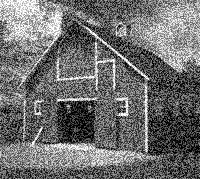
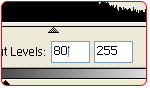
3. Press Ctrl+L
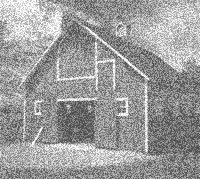
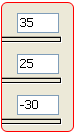
4. Press Ctrl+U and tick colorize
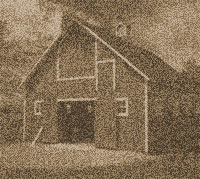
5. When finished just apply Filter>Blur Blur for image's softness.
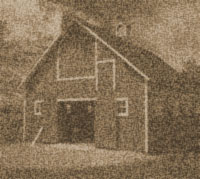
Looks like a 1900 picture!
