

1. Open an existing picture image.
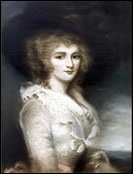
2. Image > Adjustments > Desaturate (or Ctrl+Shift+U)
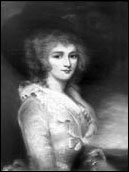
3. Then Use the rectangular marquee tool to select the picture image and press Ctrl+I to inverse the colors.
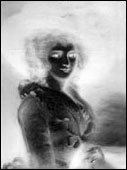
4. Image > Adjustment > Brightness/Contrast for this example I used:
B=+15
C=-25
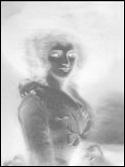
5. Edit > Define Brush (the brush will be saved) and now you have your new brush...
Result:
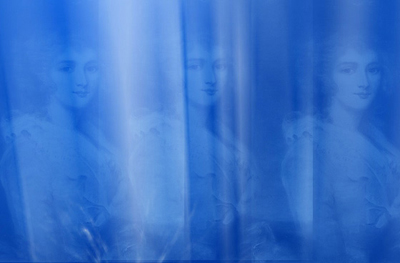
Click to enlarge
