

Here is a short and lovely tutorial by me. Enjoy.
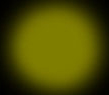
Create a new layer and draw at 50% opacity, with yellow colour, soft brush a dot like below.
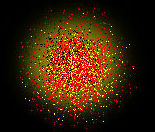
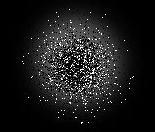
Now with the burst set to dissolve, click a few times with different colors (I used black, yellow, red).
Using the smudge tool, use it to smudge what you have above upwards "following" the shape of an "S".
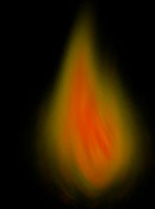
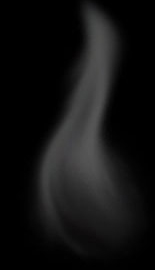
That's all there is to it! Make sure you try other colors too (use grey in the same way for smoke). Good luck.
