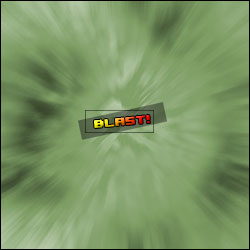
1. Press D to reset your colors.
2. Create a new 500x500 image.
3. Go to Filter -> Render -> Clouds. Keep doing this until you get rougly an equal amount of black and white.
4. Go to Filter -> Artistic -> Colored Pencil. Settings:
Pencil Width: 12
Stroke Pressure: 13
Paper Brightness: 21
5. Go to Filter -> Blur -> Radial Blur. Settings:
Amount: 60
Blur Method: Zoom
Quality: Best
6. Press cntrl+U and color it.