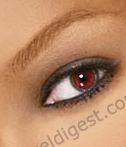
Original Picture

Step 1:
Open your image in Photoshop. Click on the image above to copy my example. Press ALT+CTRL+0 to view the actual pixel of your picture.
Step 2:
Click on the Elliptical Marquee Tool
 . And set the setting to add to selection
 . For this image I used the setting below. This setting will change for different images depending on your image size and

characteristics of the eye, you can use the Elliptical Marquee Tool
or the Polygonal Lasso Tool
 for more control over your selection.
Step 3:
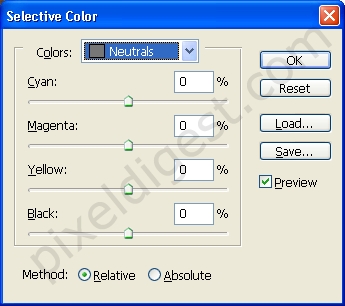
With your image eyes selected click on Images > Adjustments > Selective color. You will see the window below, click on colors and set it to Neutrals. If you play around with the, Cyan, Magenta, Yellow and Black setting until you get something you like.
Step 4:
Finished work.