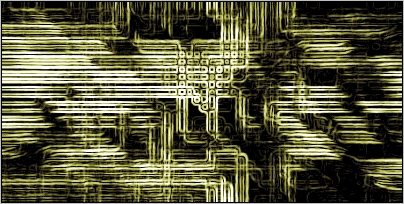
1. Create a new document, and then press CTRL + D
2. Now go to Filter > Pixelize > Mosaic : 15 Pixels
3. Filter > Blur > Radial Blur (Settings: 20, Zoom, Best)
4. Stylize > Emboss (Settings: 135,10,170)
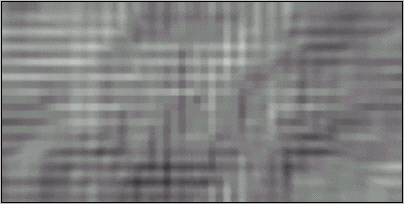
5. Now go to Filter > Brush Strokes > Accented Edges (Settings: width:2 brightness:38 smoothness:5)
6. Filter > Stylize > Find Edges then press CTRL + I
7. Image > Adjust > Brightness / Contrast ( Settings: Contrast +30). And your done!