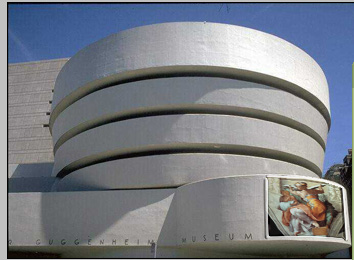
1. Open your file
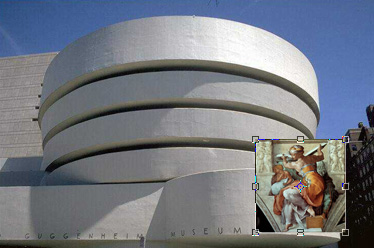
Start by opening a image of your choice, here we chose a museum.
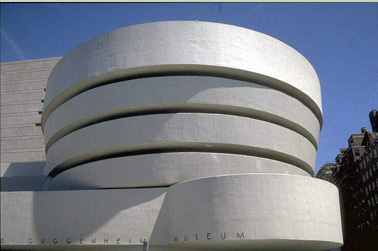
2. Open an another image you want to warp.
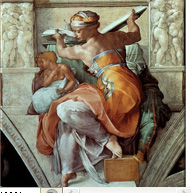
3. Drag the layer to the main file and press Ctrl+T to transform.
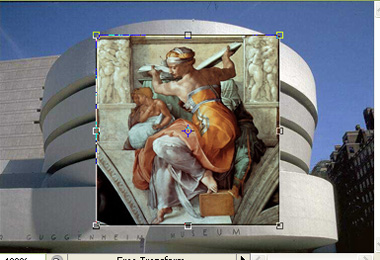
4. Warp the image
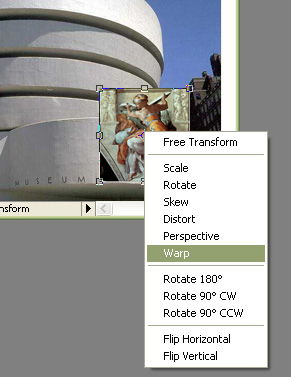
Right click and select warp.
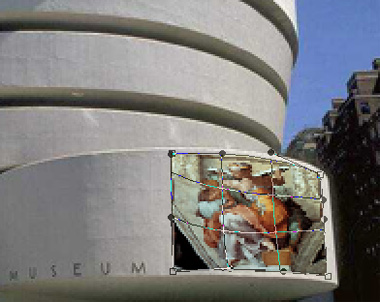
Adjust the nodes of the image.
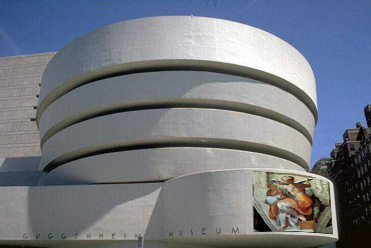
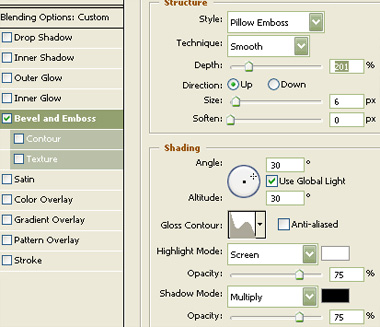
Double click the layer to open layer style window. Apply bevel & emboss settings as shown.
5. Done