

#1: First open your photo. Now to make a professional border around it we need to know the dimensions of the photo.
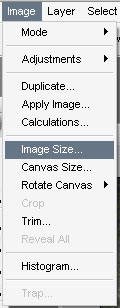
#2: To do that, in the toolbar click Image>Image Size
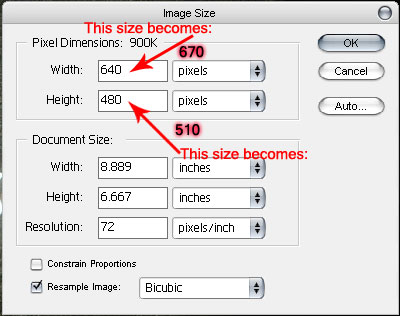
#3: The border is going to be 30 pixels bigger than the picture. My image, as you can see, is 640x480 pixels. So I am going too make a new image and add 20pixels too the original size making it 670x510
#4: Paste the original picture into the new document. Now it should look similar too the below image.
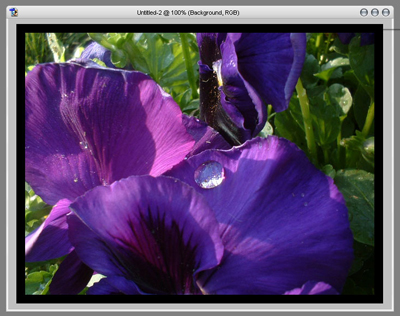
Click to enlarge
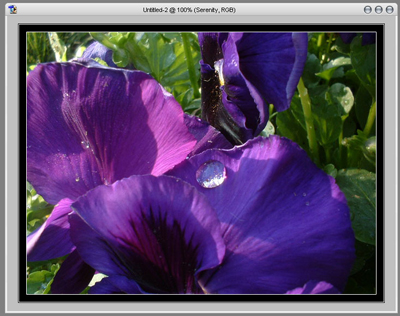
#5: Now so you can see the edge of the photo, add a 1px stroke to it. Everyone should know how to do that. Also add a 1px stoke too in inside part of the background.
Click to enlarge
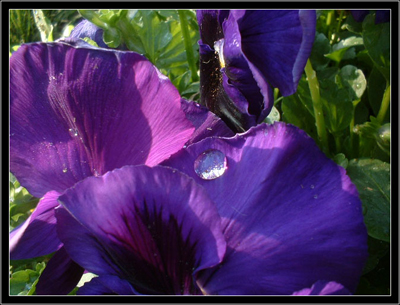
All done, here is my final image.
Click to enlarge
