

Step1:
We will create a simple text fading effect using flash. First create a new document. Set the dimension to Width: 550 pixel ,Height: 400 pixel and the background color to white. Click on the Text Tool
 and type something in your work area. I typed www.pixeldigest.com.
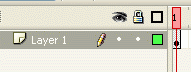
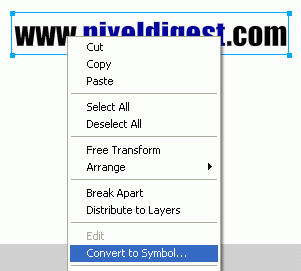
Still on the first Frame as shown below, right click on the text your typed and convert it to Graphic.
First Frame
Right click on text and convert to graphic
Step2:
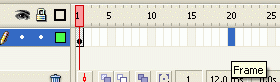
Click on Frame 20 and press F6 to insert a frame
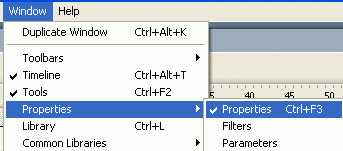
Still on frame 20, click Window > Properties > Properties or press CTRL+ F3 to bring up the properties window.
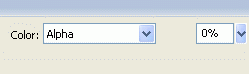
Make sure the text is selected, and with the Properties window up change the Color to ALPHA and set the alpha amount to 0.
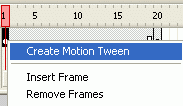
Now right click on Frame 1 and Create Motion Tween as shown in the image below. Repeat this for frame 20.
That is it. hope it came out to what your expected.
