


Learn how to create a set of Chains!
Step 1
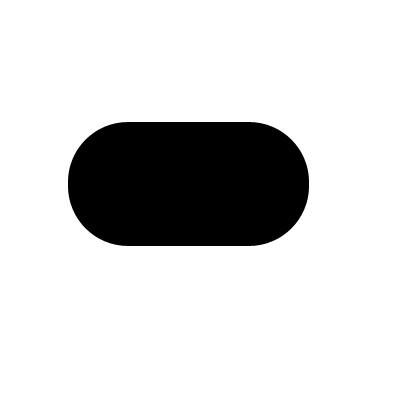
First, use the Rounded Rectangle tool to draw a shape like mine below;
Step 2
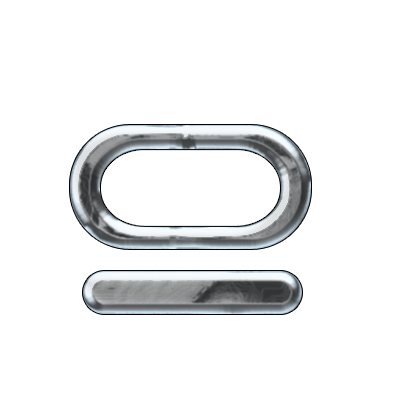
Use the same tool to cut out a shape of the larger one and create a new small shape. make both shapes on 2 different layers;

Step 3
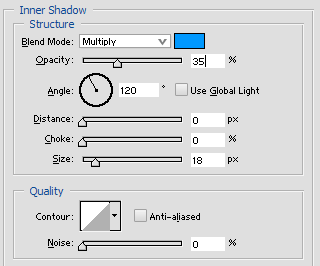
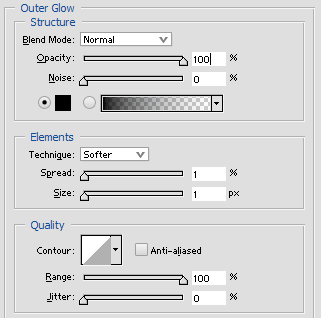
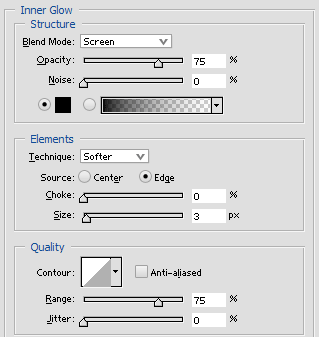
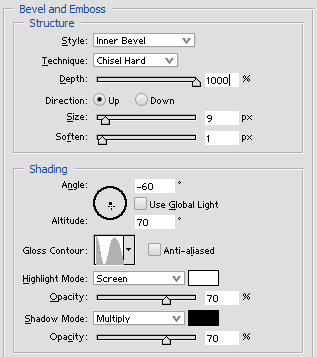
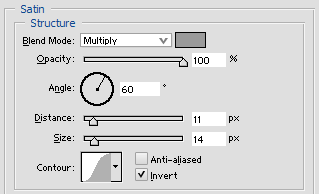
Add these layer-styles to the objects;
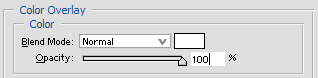
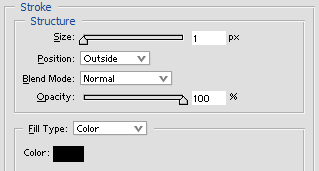
Step 4
Now create a layer under one of the layers and merge one of them with that empty layer and do the same with the other.
That way you will have 2 layers with no active styles.
Then just duplicate them and rotate them;
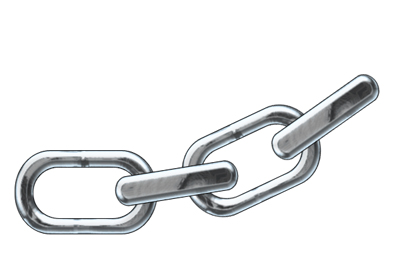
Click to enlarge
Step 5
After a while you got something like this below:
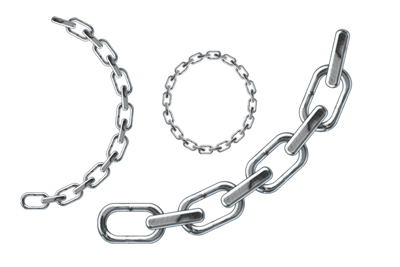
Click to enlarge
