

This tutorial will show you how to do a clow wave. This effect has alot of room for tweaking and playing with things, so it's a pretty fun effect.
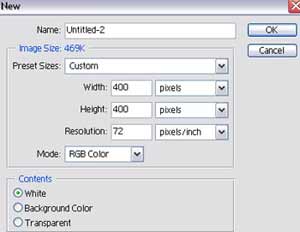
1. First we need to open a new file about 400x400
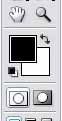
2. Press "D" to reset the forground and background colors
3. Goto Filter > Render > Clouds. Then Filter > Render > Difference Clouds
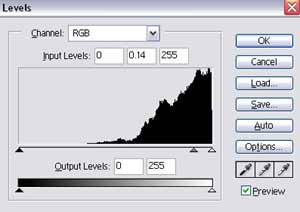
4. Now we need to invert the image. Press CTRL I to invert or go to Image > Adjustments > Invert . Now go to Image > Adjustments > Levels or ctrl L and use these settings
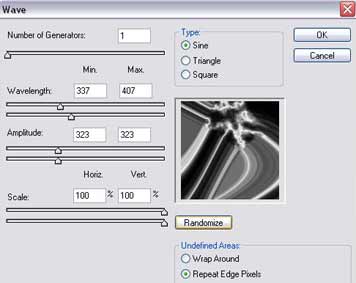
5. Now the fun part. Go to Filter>Distort>Wave and use these settings. These settings can be played with so experiment
6. Your finished you should have something like this.
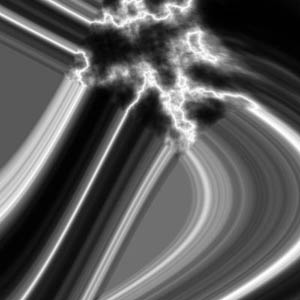
I know this effect doesn't look pretty but with some experimentation and blending and such it gives nice smooth effect. Here's some examples of this effect.


