

Learn how to recreate the comic-effect used in the Max Payne-games..
Step 1
Open up a new image that you want to apply the effect to;

Step 2
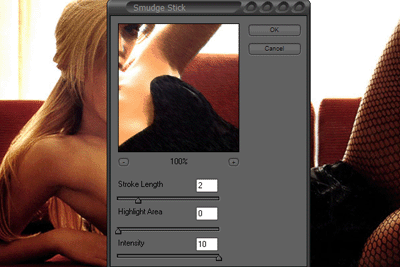
Press Ctrl+J to duplicate the layer and then go to Filter>Artistic>Smudge Stick and add these settings;
Step 3
Set the blending-mode to overlay;

Step 4
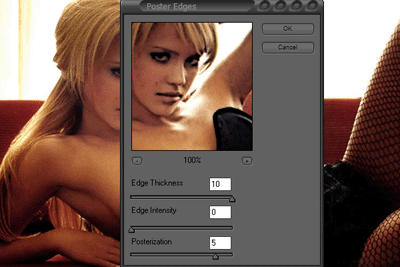
Copy the original layer and apply this effect to (Filter>Artistic>Poster Edges);
Step 5
Set the blending-mode to lighten;

Step 6
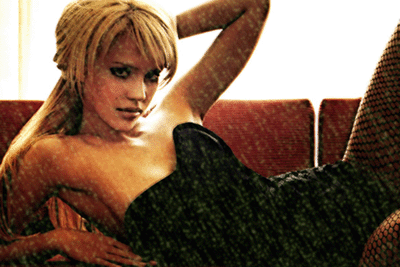
Apply the snow from the snow-tutorial and change the color to green;
Step 7
Then you can add text and you're done!
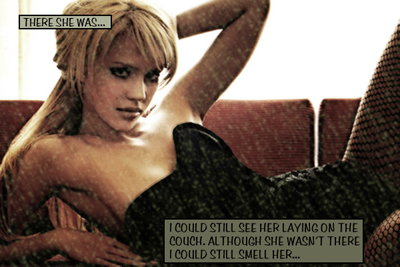
Click to enlarge
