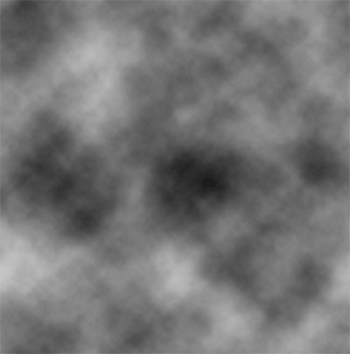
Start a new document by pressing Ctrl + N. I used 500 X 500 (you can make it any size), than go to Filter -> Render -> Clouds.
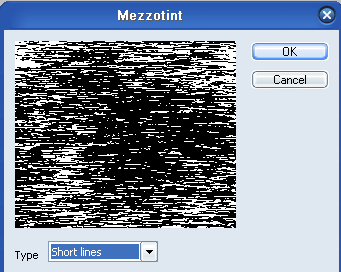
Now go to Filter -> Pixelate -> Mezzotint and use the following settings.
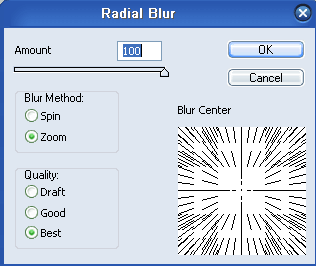
After that, go to Filter -> Blur -> Radial Blur and apply these settings.
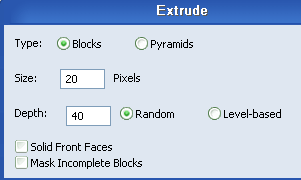
Once that's completed, go to Filter -> Stylize -> Extrude and use these settings.
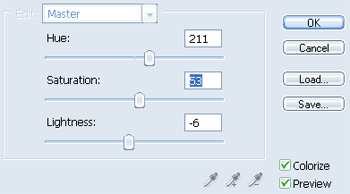
Lastly, go to Hue/Saturation by pressing Ctrl + U and use the following settings, you can play around with these if you want other colors.
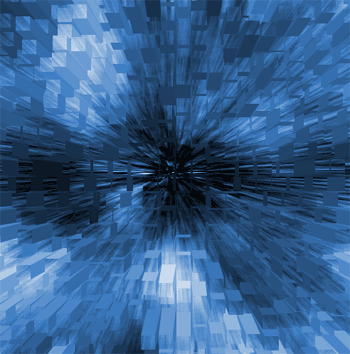
This is how your finished background should look.