

Customer relationship management (CRM) covers methods and technologies used by companies to manage their relationships with clients. Information stored on existing customers (and potential customers) is analyzed and used to this end. Automated CRM processes are often used to generate automatic personalized marketing based on the customer information stored in the system.
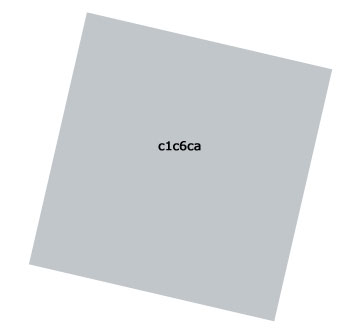
Create a file with 550x400 parameters and 72 dpi. Using the following instrument
 , create a square of gray color (the color code is indicated in the picture).
Now – one more square. Use Blending Option function to gradient it, like in the picture.

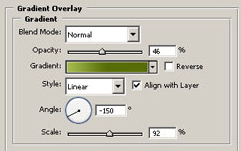
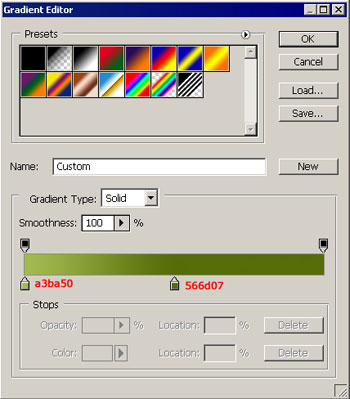
Draw a figure now, using the instrument
 .
.
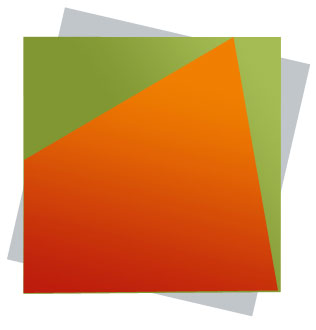
Set the gradient also from Blending Options function.
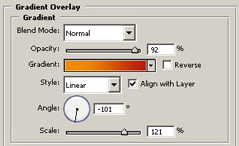
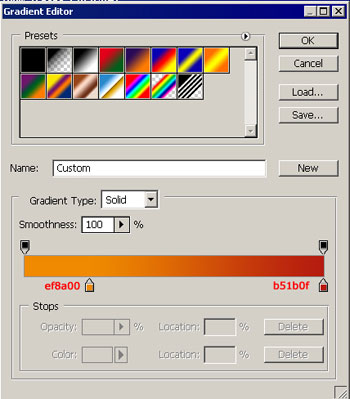
The same instrument helps to draw one more figure.
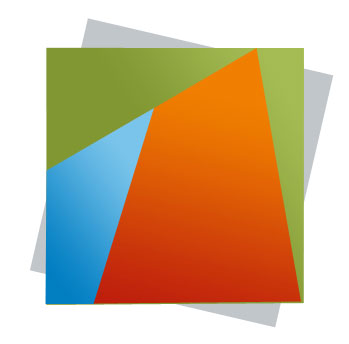
Set the gradient's parameters.
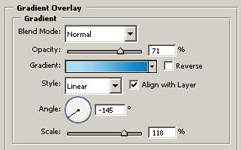
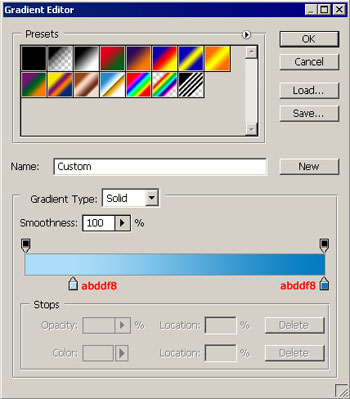
And one more.
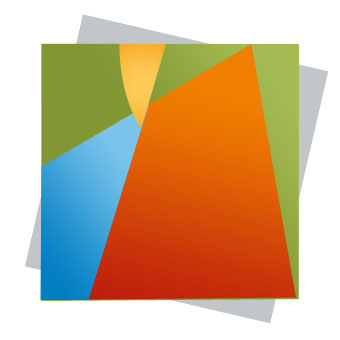
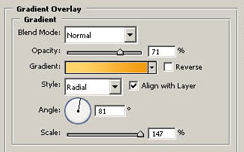
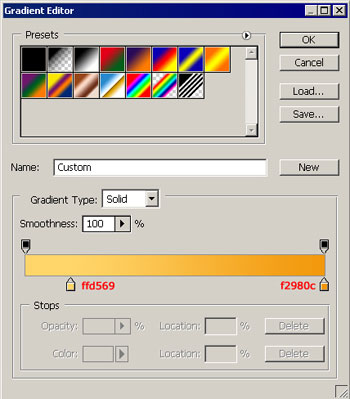
Using the instruments
 and
and
 draw a line and circles. The thickness should be 2 px. The circles with parameters.
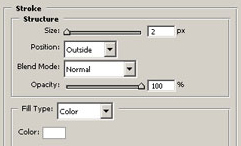
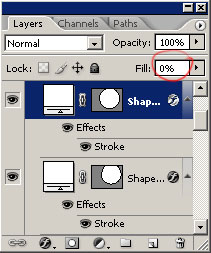
This way, they will be empty inside. Gather together all the layers in a map now and create a mask on this map, like it is demonstrated in the picture.
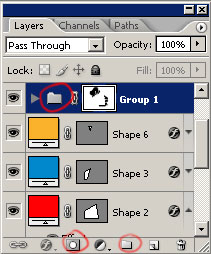
Use the instrument
 of black color and hide all the unnecessary lines on this mask.
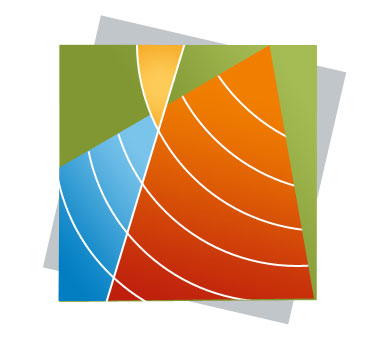
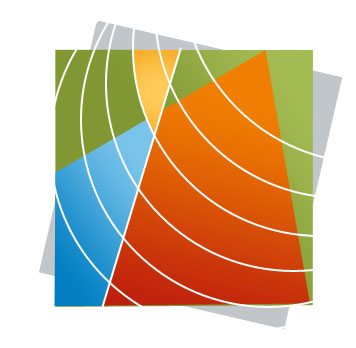
The final result!
