


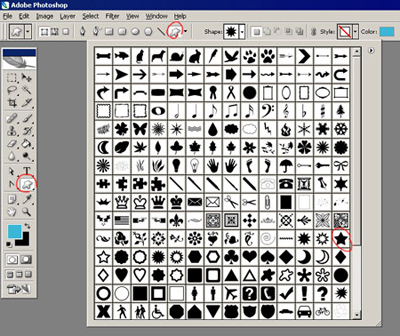
Create a new file with 400x566 parameters and 72 dpi. The instrument
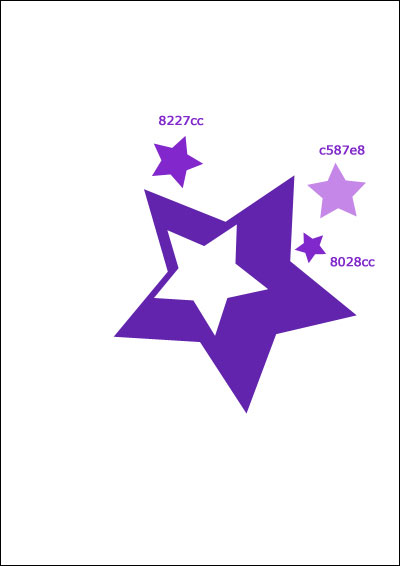
 helps us to draw a star. The color code is 6224ad. Copy it and minimize it using the function Free Transform.

Continue to copy the stars, giving them different colors. The codes are indicated.
The instrument
 draws a flower.

Copy it and change the color (6f439a) and the dimension. The petal that has a different color has the color code 5412ba.

Create one more flower, using the same instrument
.

Display the flower now, like in the picture.

That's it!
