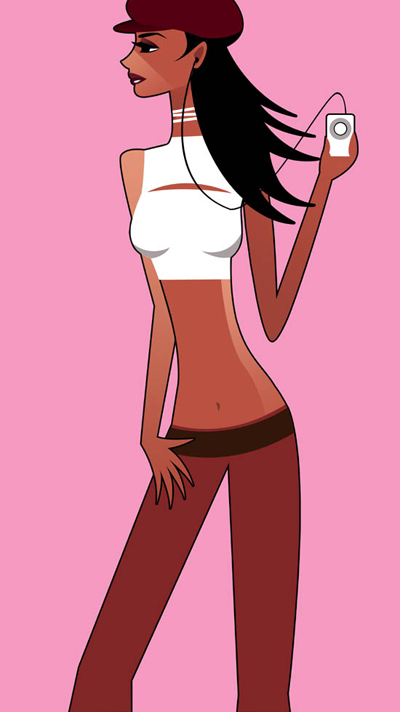
Today we'll learn how to picture a girl. The new file should have 744x1324 and 100 dpi. Create a background, which code is indicated in the picture.
Then make the girl's silhouette, without arms, using the instrument
 .
.
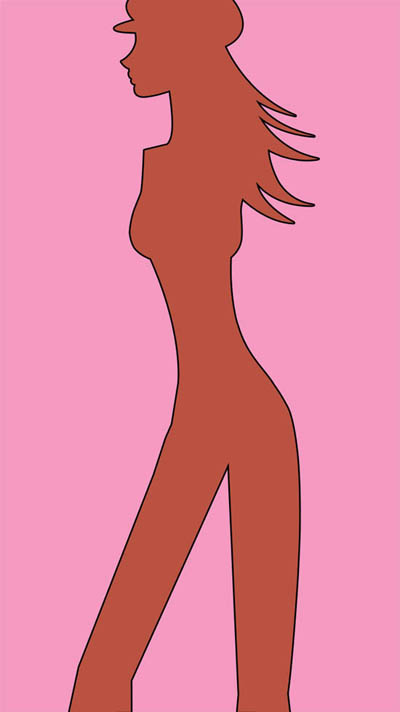
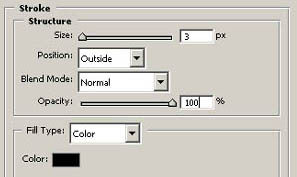
Set out everything like in the picture choosing Blending Options.
Draw trousers for her, using again the same instrument
.
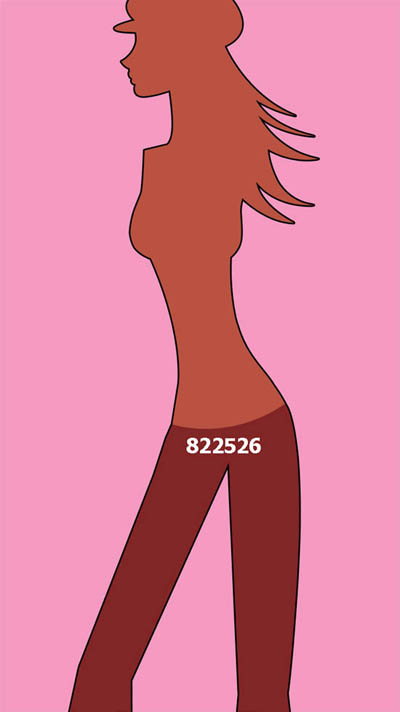
Transform the background into a mask clicking on the Alt button + left click on the mouse's button.
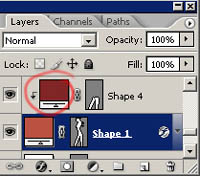
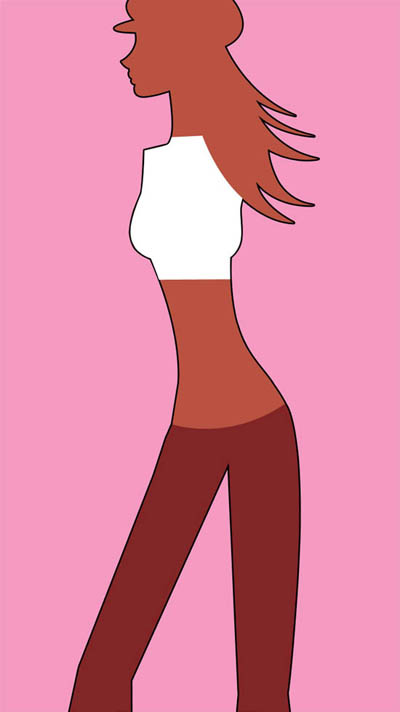
Draw the top on the girl using our old instrument
, but this background don't hide in the mask.
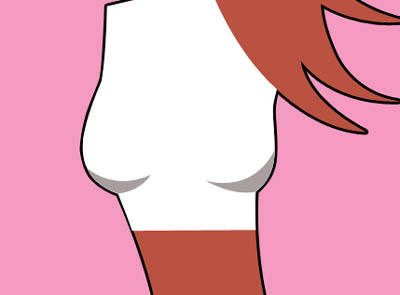
Using the same instrument, underline her breast with the next figures.
The same instrument will help us to make her hair. It's not necessary to draw each hair.
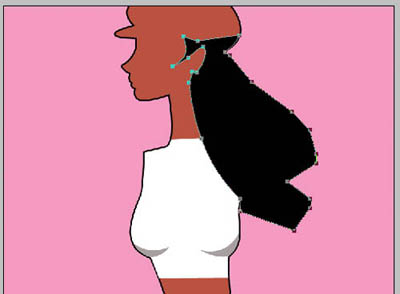
Hide this background in the mask and we'll get careful hair.
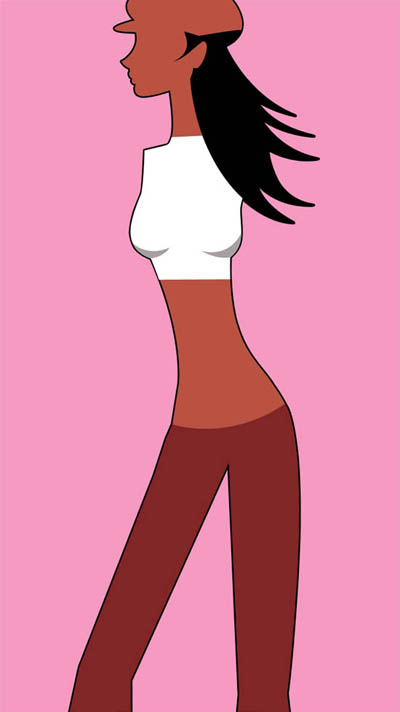
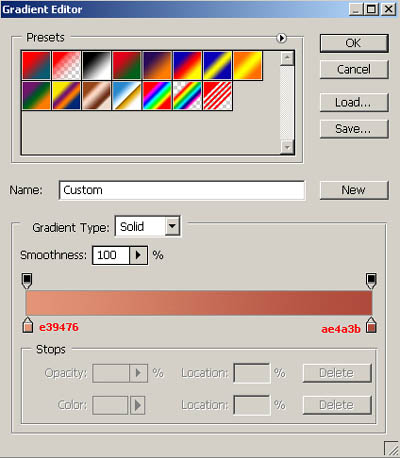
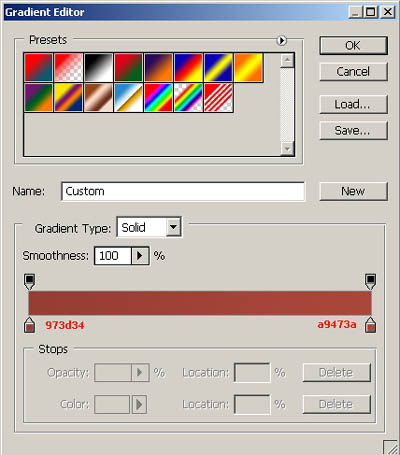
Make the arm now. Set out the gradient from Blending Options exactly like in the picture. The color codes are indicated.
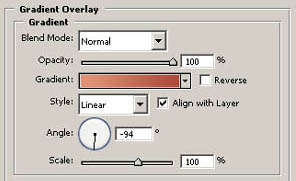
Set the option Stroke on her body. Place the arms' background under the body's background.
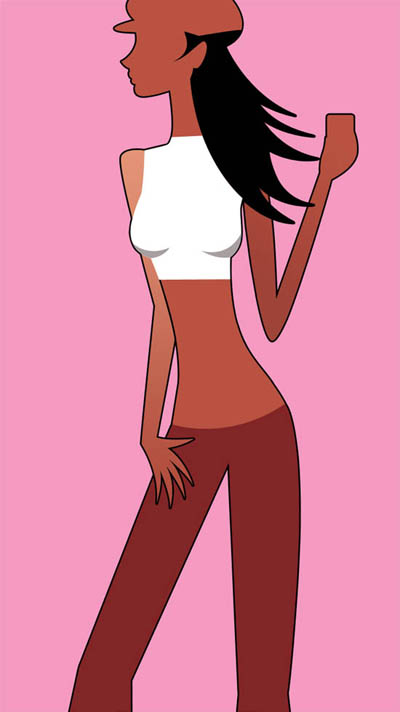
Using the instrument
, draw the second arm.
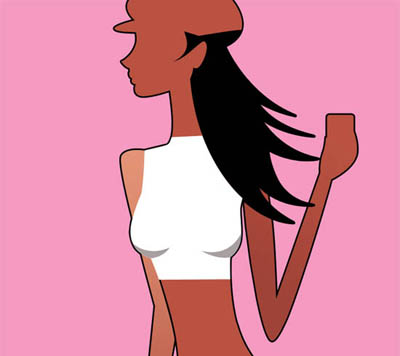
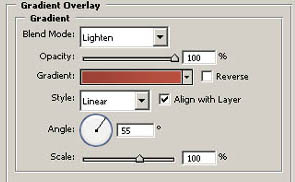
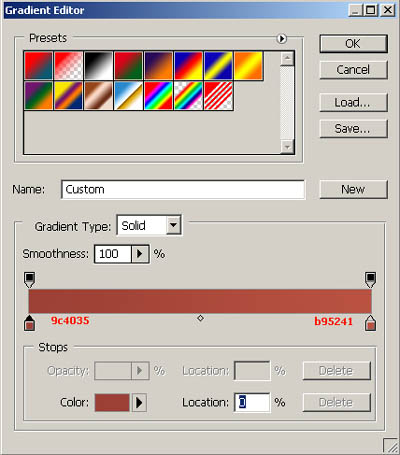
The gradient is shown on the picture. On the second picture are indicated the color codes.
Now we'll have to work on the face's picturing.
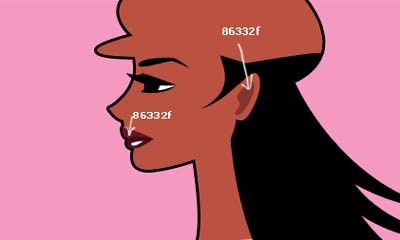
Using the instrument
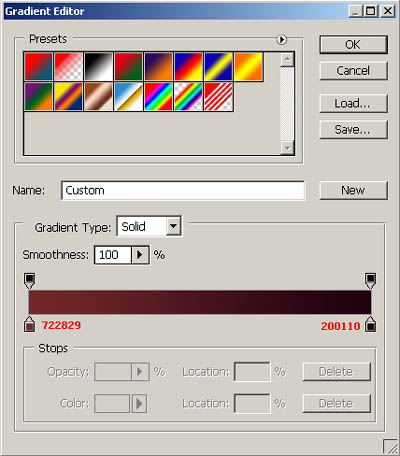
, make the helix. The color code is shown with a white pointer. Then the eyebrow, the eye with the eyelash, the white of the eye set above the eye's background. Now the lips. The upper lip has the color code, the lower one is created by the gradient and the code is indicated lower. After that – the highlight of the white color.
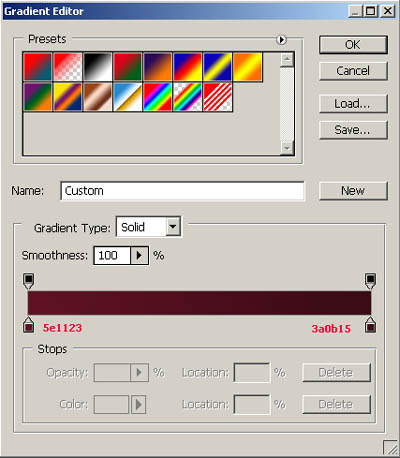
Now draw the beret and the eyelid.
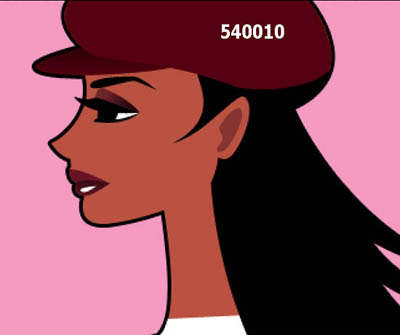
Use the instrument
. The beret itself has a continuous color which is indicated in the picture, but the beret peak has gradient which is also indicated in the picture.
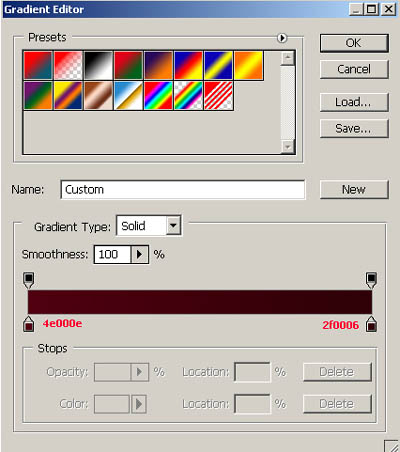
After drawing the eyelid, set out everything like it is done in the picture.
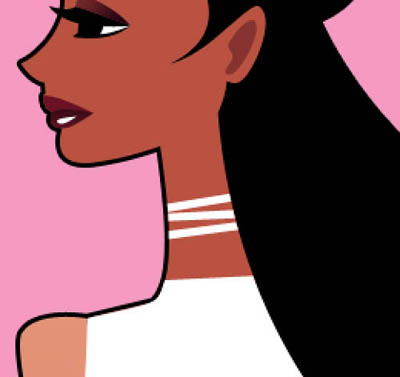
Now on the girl's neck make the top's element of white color, using the instrument
 . Incline the figures using the option Free Transform.
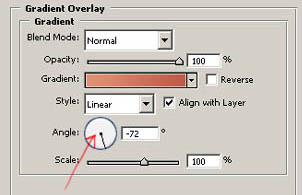
Create the highlight on the body. Using the instrument
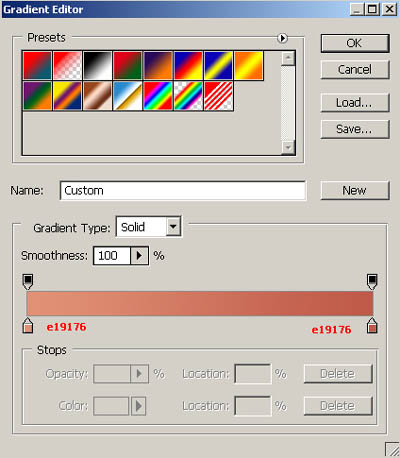
, make a lent figure and hide it in the mask above the others which belong to the body's background. Don't forget about the gradient's direction when setting it out. The instrument of direction tuning is indicated on the picture.
On this picture are shown the color codes.
Choose the instrument
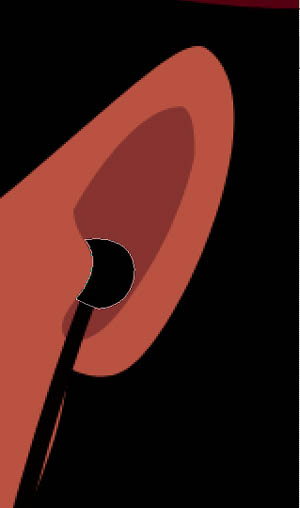
and draw the player's flex of black color and the ear-phone in the girl's ear.
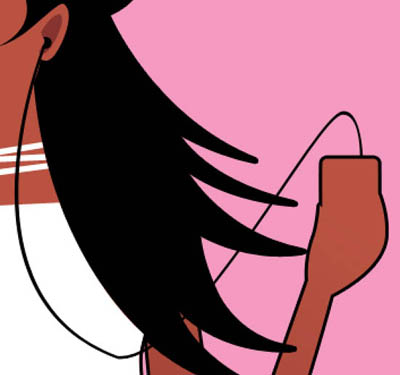
Start to draw the player.
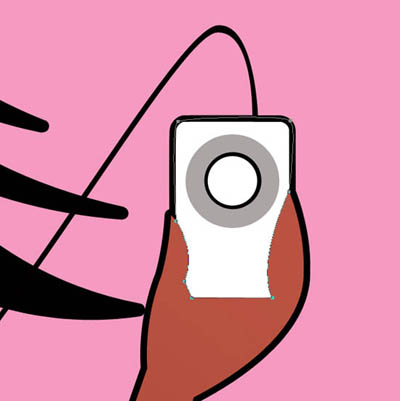
For the beginning choose the instrument
and draw the player's shape of white color and hide in the mask above all the previous ones. Now draw a grey circle, using the instrument
 and the color code aba5a5. Then a smaller circle of black color. And the last one, the smallest, of white color.
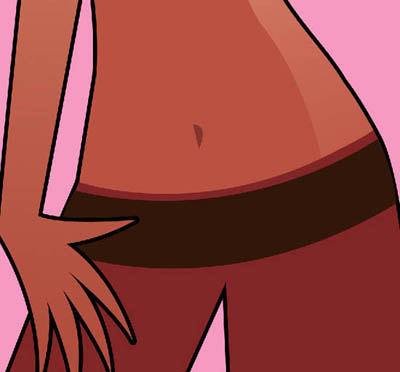
Pass to picturing the belt and umbilicus, using the instrument
.
The belt has black color and the umbilicus has color code 86332f.
Then pass to representing the highlight on the face and the shadow on her body.
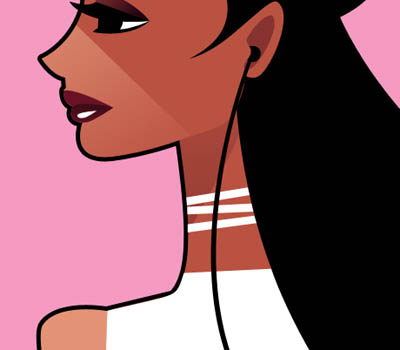
Use the instrument
to represent the highlight and hide it above the others. The parameters are indicated lower
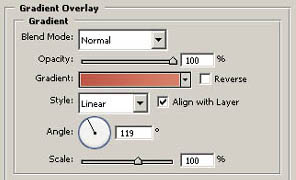
and
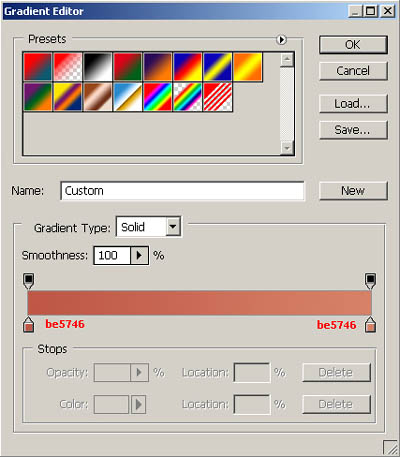
The shadow on her neck.
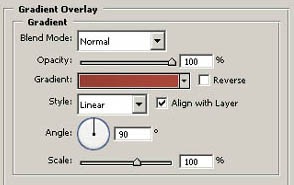
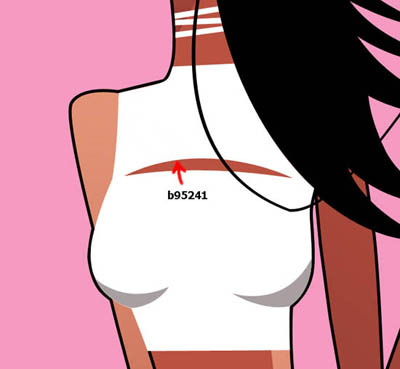
The last thing to do is the low neck on the girl's top. Create it using the instrument
. The color is indicated on the picture.
The final result. Have fun!