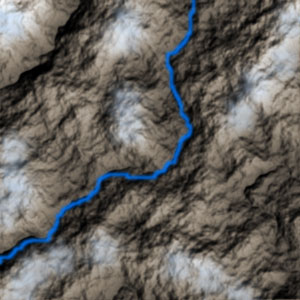
Step 1.
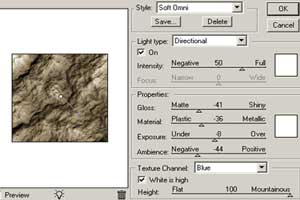
Create a new 300X300 pixels document. Press "D" button to set default colors. Now apply Filter > Render > Clouds several times and then apply Filter > Render > Difference Clouds. Apply Filter > Render > Lighting Effects with the following settings:
Step 2.
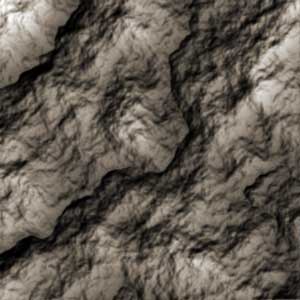
Apply Image > Adjustments > Hue/Saturation with the following settings: Colorize->ON, Hue->34, Saturation->11, Lightness->0. And now you have to get something like shown in the pic.2.
Step 3.
Now we will create a mountain river. Create a new layer. Set dark blue foreground color and choose Pencil Tool. Choose Hard Round brush with the radius 3 pixels and draw a river. Then apply Filter > Blur > Gaussian Blur with Radius->1,3 pixels.
Step 4.
Now we will create snow on alps. Create a new layer. Set light blue foreground color and choose Pencil Tool. Choose Spatter brush with the radius 59 pixels and draw snow on alps. Then apply Filter > Blur > Gaussian Blur with Radius->2,5 pixels. And that's it.