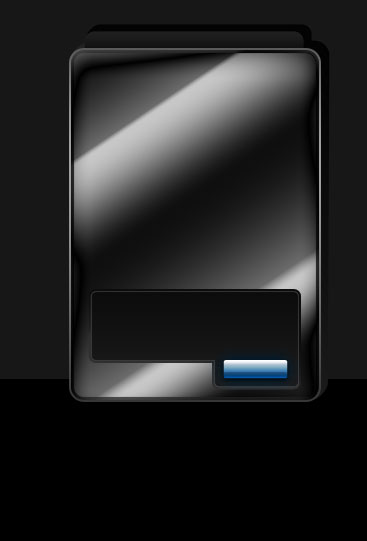
The next lesson we'll design software interface for cash machine. Open firstly a new file that would have 367x541 px and 72 dpi. Paint it with the indicated color - 171717, by applying this tool
 .
.

Take the next instrument now
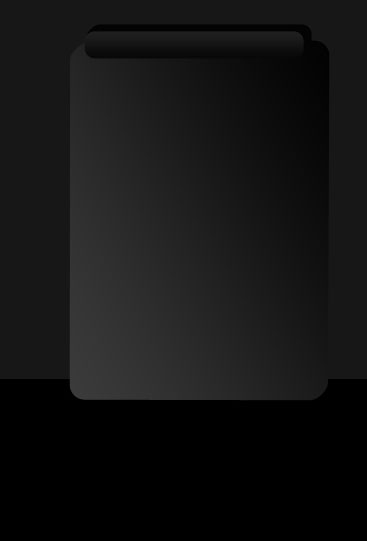
 and represent a plane colored in black.

Make the corps now with this tool
 .
.

Blending Options-Gradient Overlay
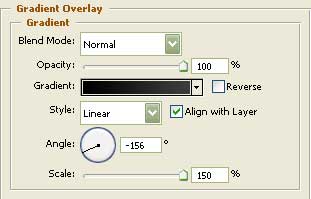
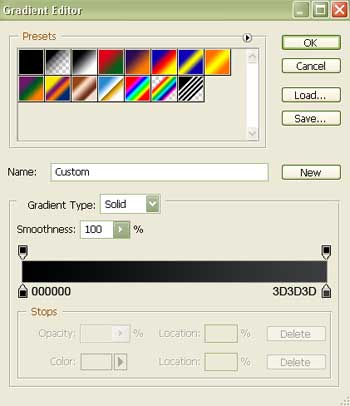
Gradient's parameters:
Represent the shadow of the text's window painted in black with the next tool
 upper than the lowest layer of the corps.
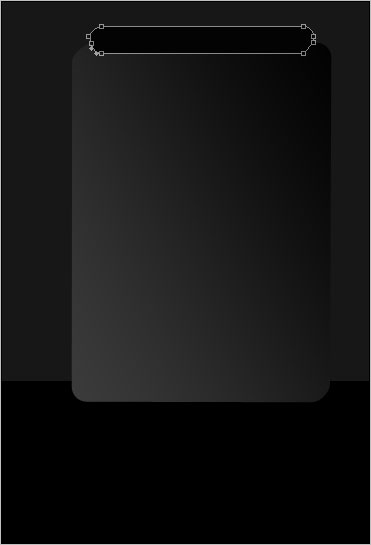
Take now the shown tool
and represent the text's window itself.
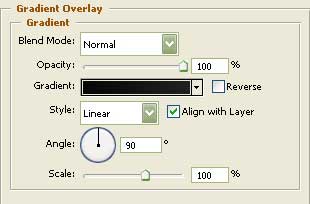
Blending Options-Gradient Overlay
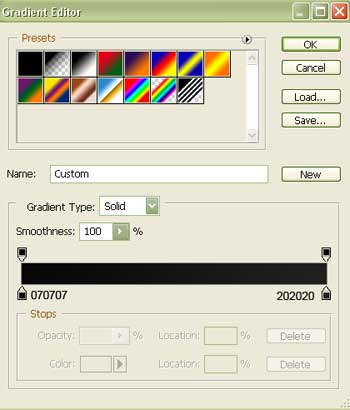
Gradient's parameters:
Represent now the corps's front layer of the ATM software interface by using the shown instrument
.
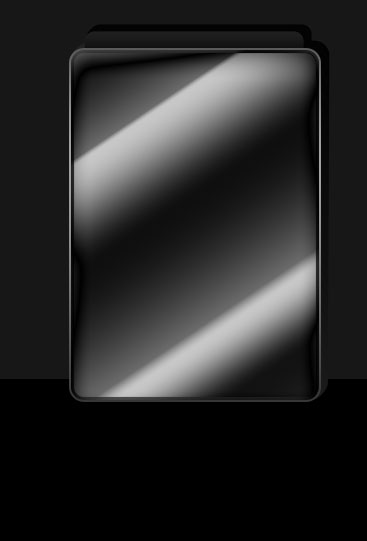
Blending Options-Inner Shadow
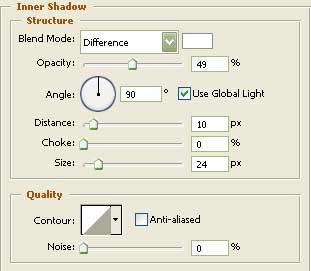
Blending Options-Inner Glow
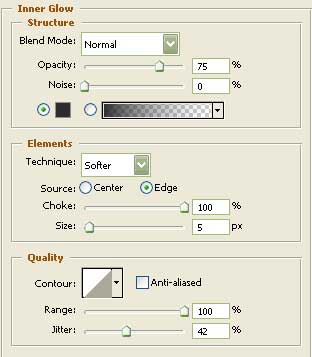
Blending Options-Gradient Overlay
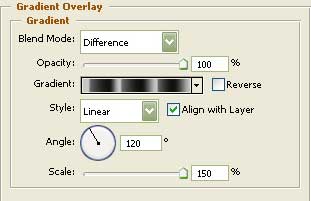
Gradient's parameters:
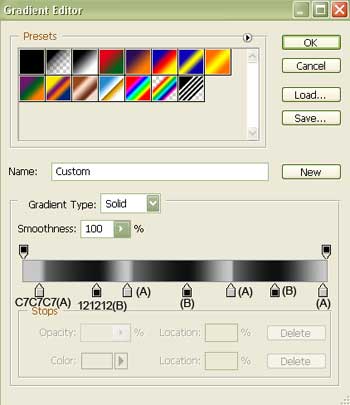
Blending Options-Stroke
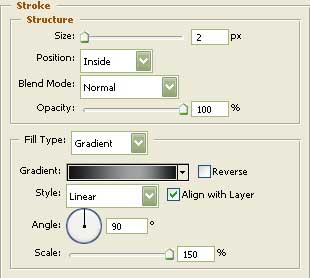
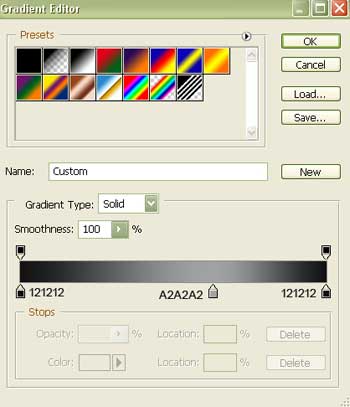
Gradient's parameters:
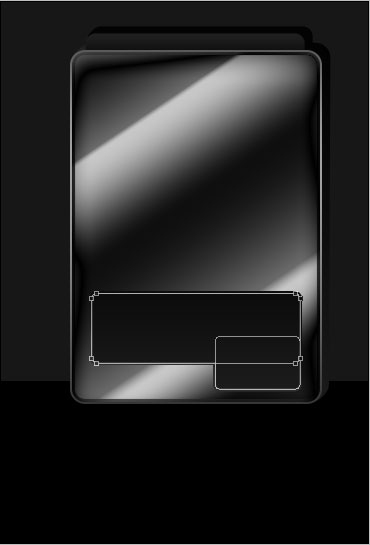
Represent after that with the previous instrument the zone reserved for the lowest menu's buttons (first - the upper element, then - the lowest one).
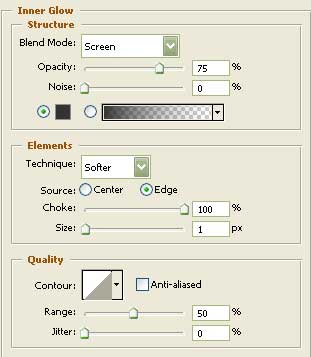
Blending Options-Inner Glow
Blending Options-Gradient Overlay
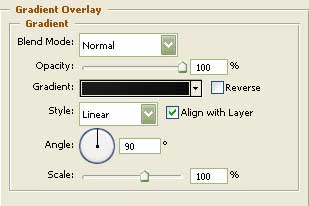
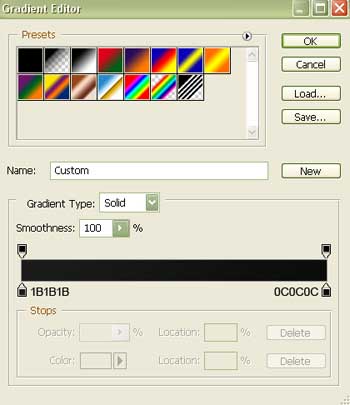
Gradient's parameters:
Blending Options-Stroke
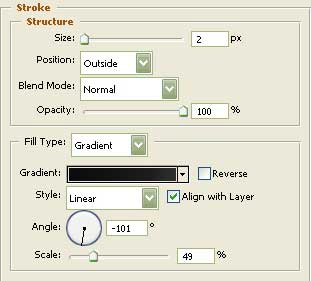
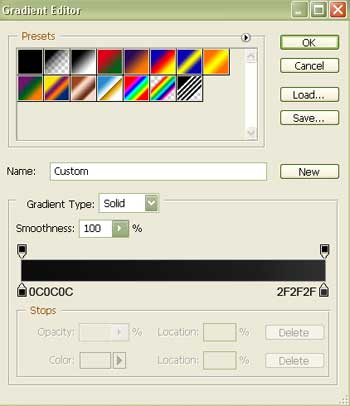
Gradient's parameters:
Draw a button now, making use of the known instrument already
Fill 0% on the layers.
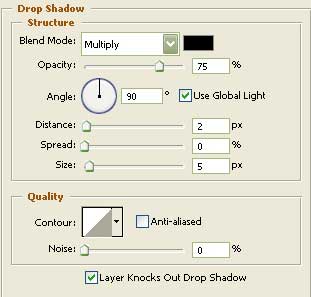
Blending Options-Drop Shadow