


This effect looks really nice and this my the technique is so simple! Sometimes we need something magic and we don't know how to make it. Ok, lets do it!

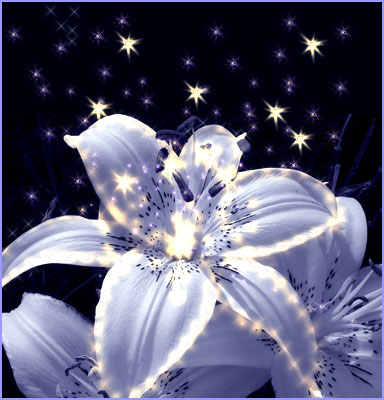


1. We will work with a flower. So, please save my image.
2. Open start.jpg and save it as *.psd (File-->Save As...)
3. Set white as a foreground color.
4. In the Tool palette choose Brush. Then click on the Brushes menu (top right corner of your workspace). Use my settings:
Brush: Starburst small.
Set the diameter to30-33px.
Set the Spacing to 260-270%.
Use 100% of the Flow.

5. Choose Freeform Pen Tool. Make sure you use Paths. (see screenshot please).

