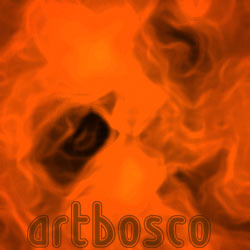
Step 1
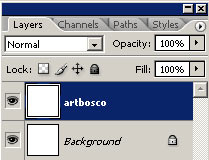
Create the new image in photoshop in the size 250x250 px. Create a new layer (Ctrl+Shift+N) and name it(him) "artbosco". Establish colors by default (D). Fill a layer white color (Ctrl+Backspace).
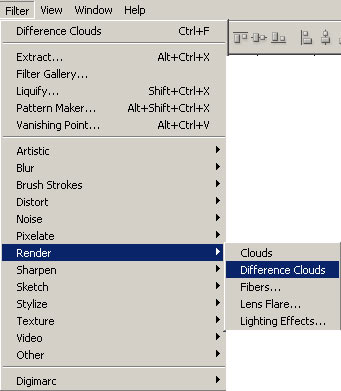
Apply filter Difference Clouds (Filter> Render> Difference Clouds) 2 or 3 times.
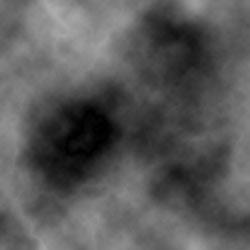
Step 2
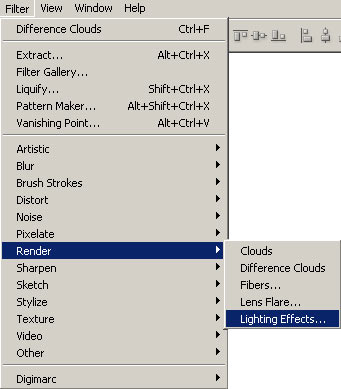
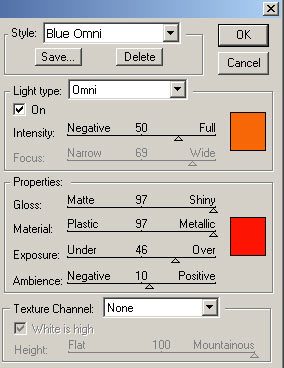
Apply to a layer "artbosco" filter Lighting Effects (Filter> Render> Lighting Effects) with parameters as in a picture.
The top color: R- 248 G- 103 B- 7 (#F86707)
The bottom color: R- 254 G- 20 B- 2 (#FE1402)
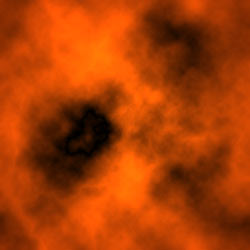
Step 3
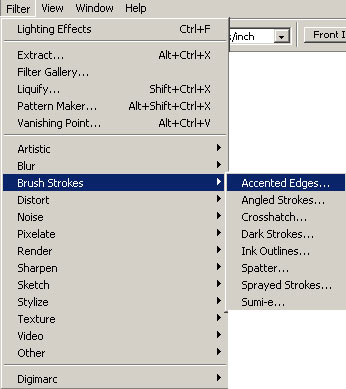
Apply filter Accented Edges (Filter> Brush Strokes> Accented Edges) with parameters:
Edge Width - 3
Edge Brightness - 39
Smoothness - 14
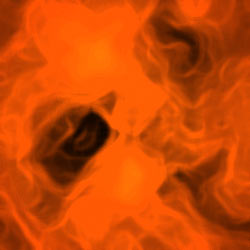
Can add the text.