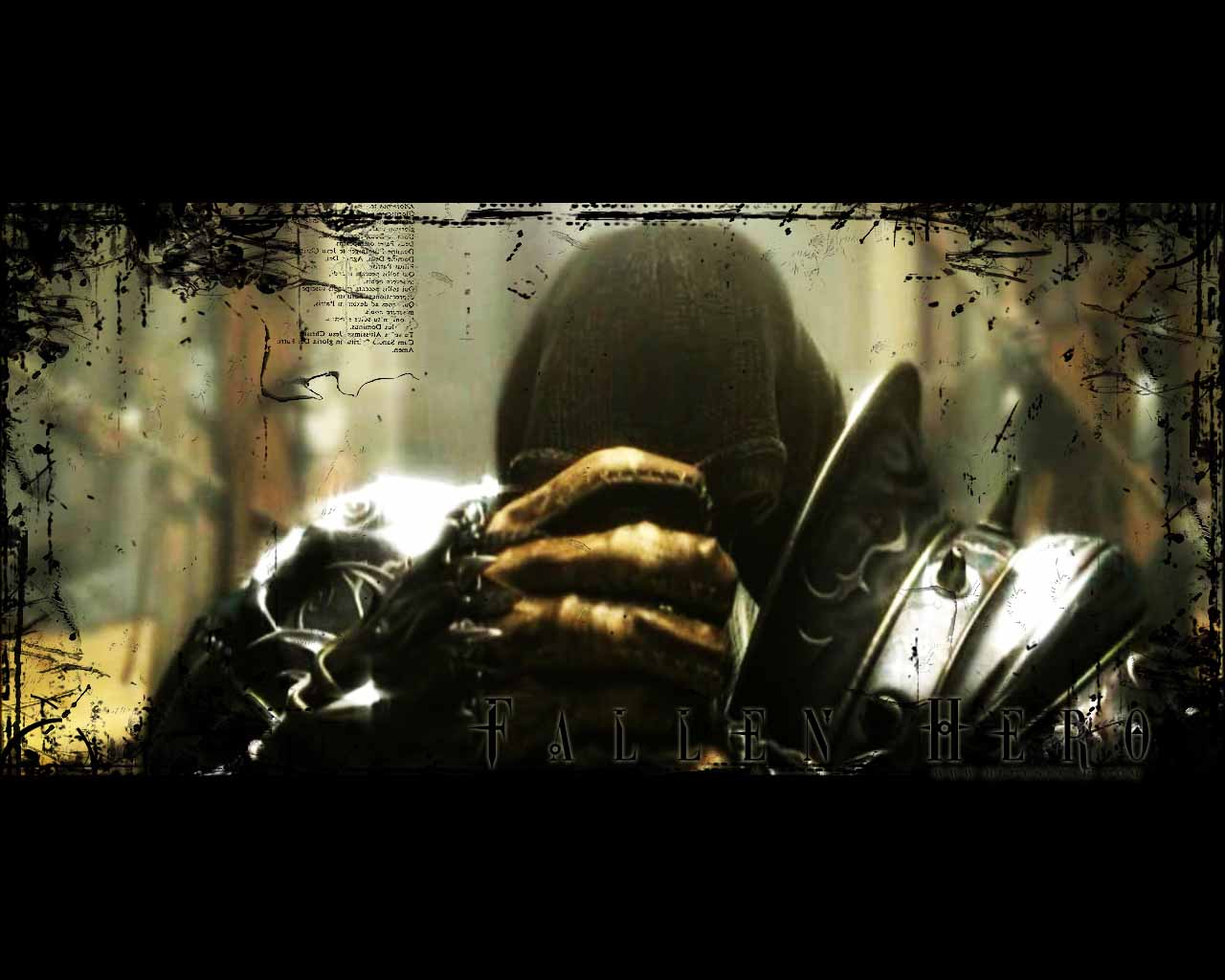
Here you will be taught how to make your own grunge brushes.
1. Open any picture that you want to use. it really doesn't matter. I picked this.
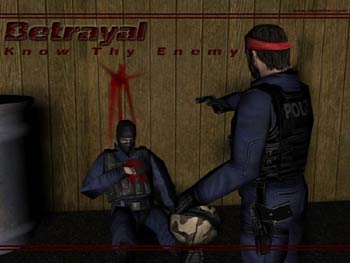
2. Go to Image > Adjust > Desaturate this will turn your pic black and white.
3. Now go to Image > Adjust > Curves just move the curve until you get a good contrast. Click ok.
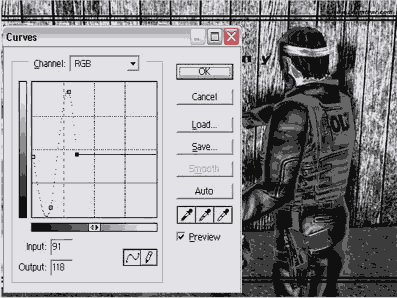
4. Now just look at your pick and try to find areas that would make good brushes.
Once you find a good spot that you think would make a good grunge brush, select it using any marquee tool. Then click the arrow thats next to the Brushes tab and select Defing Brush (for PS 6.0 and 7.0 the Define Brush option is in the edit menu)
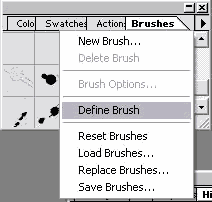
Thats it. You now have your own grunge brush. Just keep adjusting the picture with the Curves tool and keep defining more brushes.