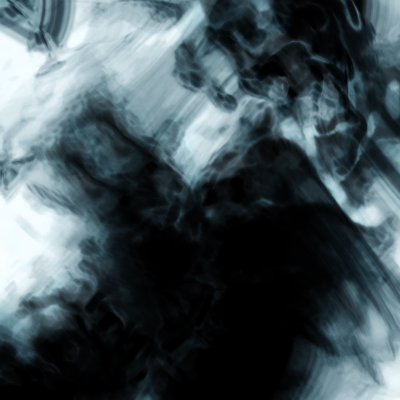
1. Start a new document, I chose 400x400 for the size of mine.
2. Filter-Render-Clouds
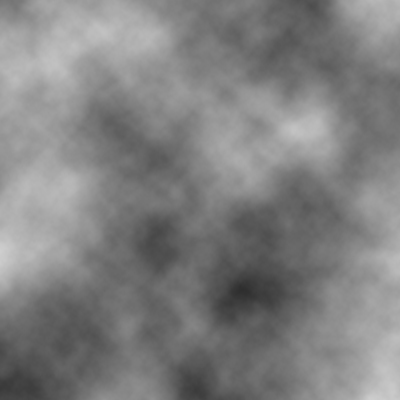
3. Filter-Distort-Ocean Ripple [ripple size = 3, magnitude = 8]

4. Change the hue/saturation by using ctrl+U, I used 196 and 68. Make sure you check the colorize box before you change the color.

5. Duplicate the layer [ctrl+j] and Filter-Sketch-Chrome with default settings[detail = 2, smoothness = 4] then set the blending mode to overlay and merge down.
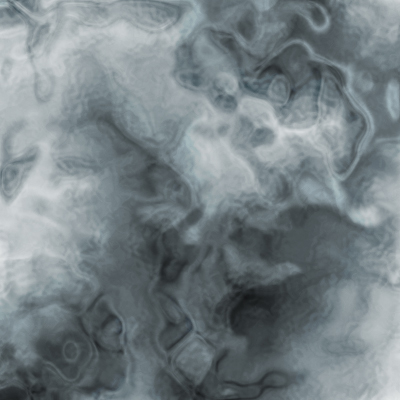
6. Duplicate the layer and Filter-Brush Strokes-Dark Strokes with default settings.[6, 1, 1]
7. Set the blending mode to overlay and then merge down.
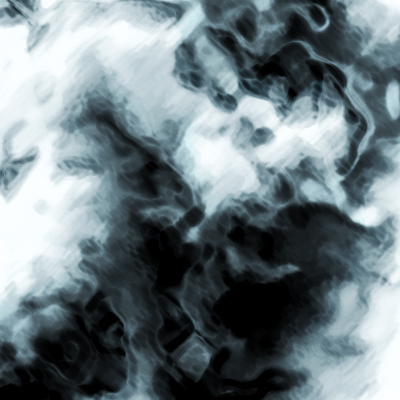
8. Duplicate the layer and then Filter-Distort-Wave with the settings of
5
164, 216
38, 57
100%, 100%
Sine, Repeat Edge Around Pixels
9. Set the blending mode to multiply and then you're done!