1. Create New Document 200x200px with white background and press D.
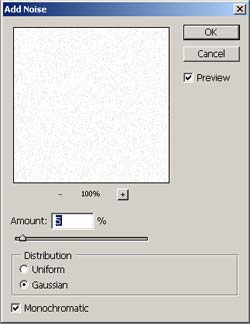
2. Apply Filter>Noise>Add Noise:
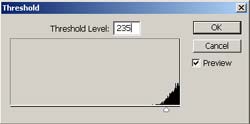
3. Go to Images>Adjustments>Threshold:
4. Now we need to use Images>Adjustments>Inverse:
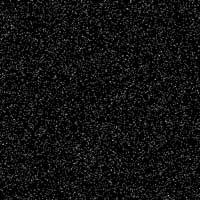
5. Now going to Filter>Stylize>Wind and apply Method - Wind with Direction - From The Right.
6. Repeat step 5 and Image>Rotate Canvas>90CW:
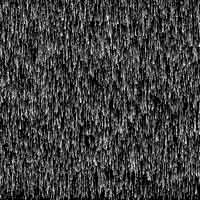
7. Create New Layer, Select Gradient Tool - Linear Gradient with Black to White and apply for this Layer from bottom to top:
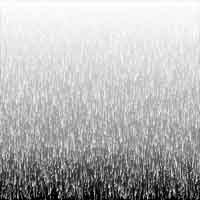
8. Go to Filter> Distort> Polar Coordinates and choose Rectangular to Polar:
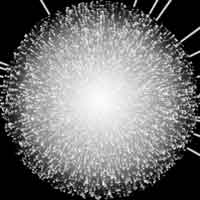
9. Final Step, going to Images>Adjustments>Variations and select your variations of colors:
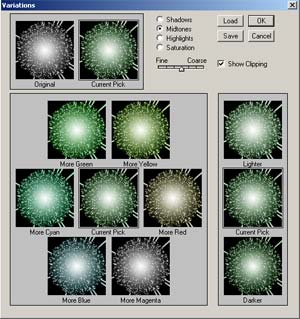
My Final Result: