

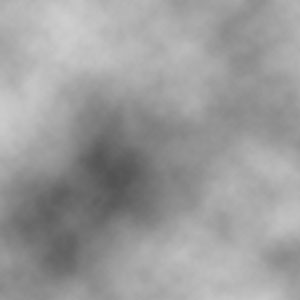
1. Create New Document 300x300px with White background and set the foreground to #3C3C3C and the background in white, now apply Filter>Render>Clouds
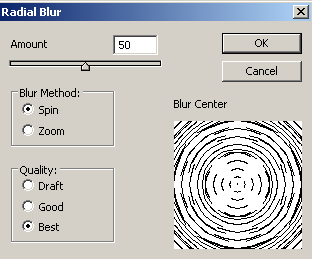
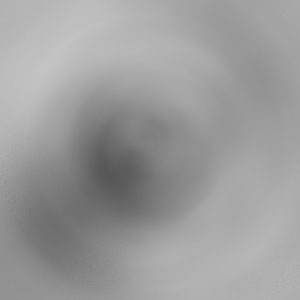
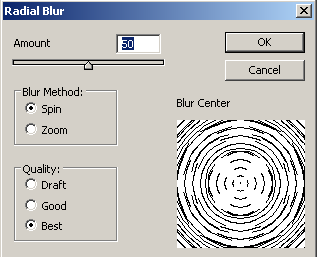
2. Apply Filter>Blur>Radial Blur
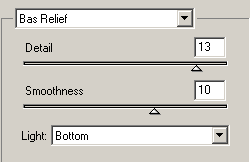
3. Go to Filter>Sketch>Bas Relief
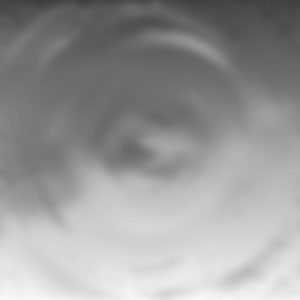
4. Apply Filter>Blur>Radial Blur

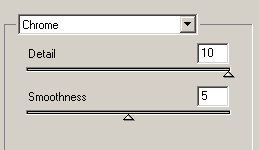
5. Go to Filter>Sketch>Chrome

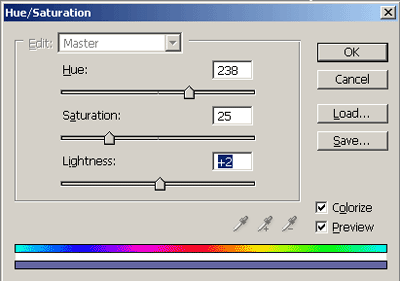
6. Press Ctrl+U and set the Hue/Saturation

Good luck!
