


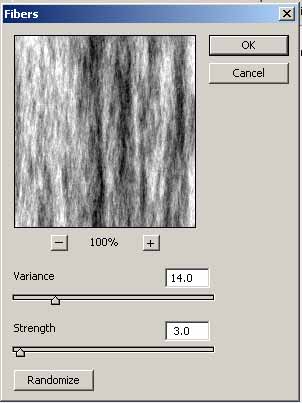
1. Create New Document 400x300px and press 'D' to set Foreground to Black and Background to White. Apply Filter>Render>Fibers
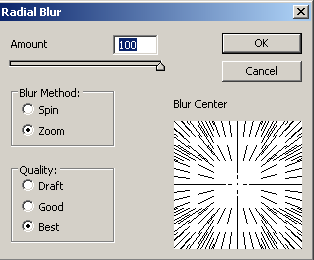
2. Go to Filter>Blur>Radial Blur
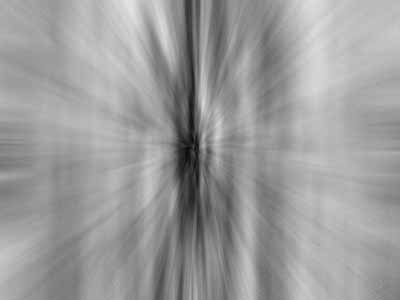
Results:
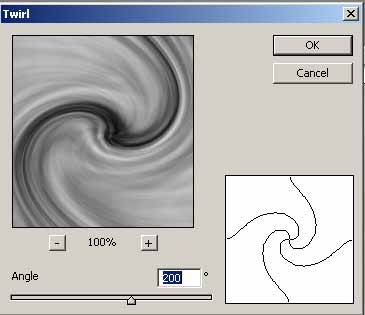
3. Press Ctrl+J for duplicate the layer and apply Filter>Distort>Twirl
4. Set the Blending Mode to Multiply and Merge Down the layers
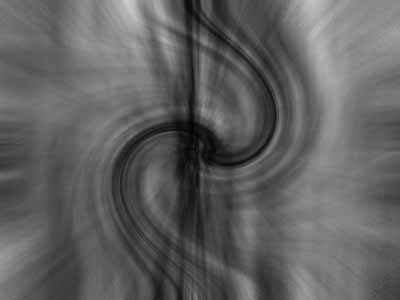
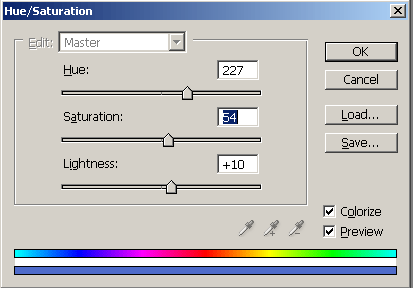
5. Now Apply the Hue/Saturation
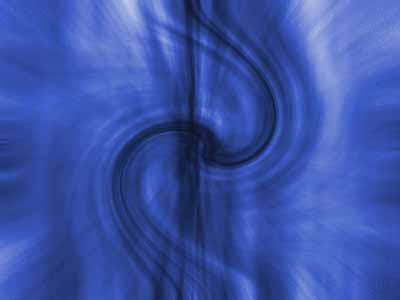
Results:
6. Now you can duplicate the layer and apply Edit>Transform>Flip to Horizontal and set the Blending Mode to Multiply
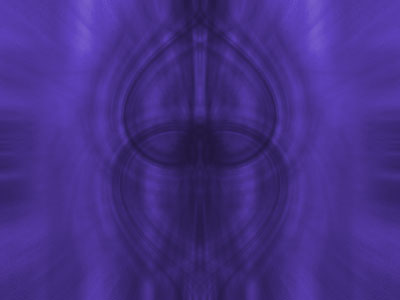
You can apply others Transform that you like and use your imagination.
Good luck!
