Start off by making a new document with the size 500x500px.
Press "D" to reset four and background colors.
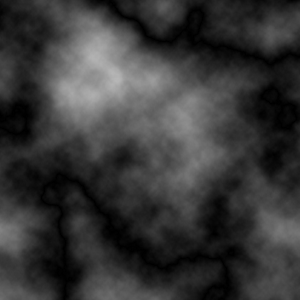
Now go "Filter>> Render>> Clouds"
And "Filter>> Render>> Difference Clouds"
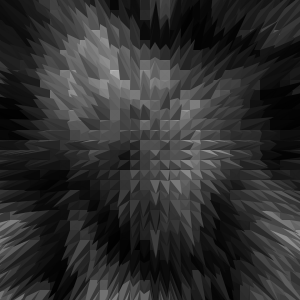
Then "Filter>> Stylize>> Extrude"
Use the following settings:
"Pyramids"
Size: 10
Depth: 50
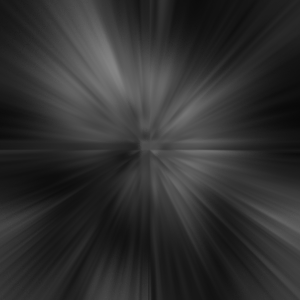
Now go "Filter>> Blur>> Radial blur"
Use these settings:
"100"
"Zooma"
"Best"
Press "Ctrl+F" to repeat the last thing.
The only thing remaining now is the color.
Press "Ctrl+U", mark "Colorize" and use the settings you like.
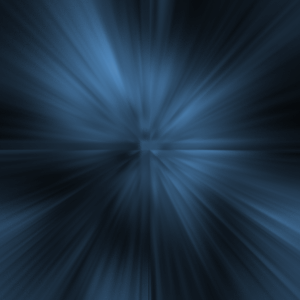
Here is my result: