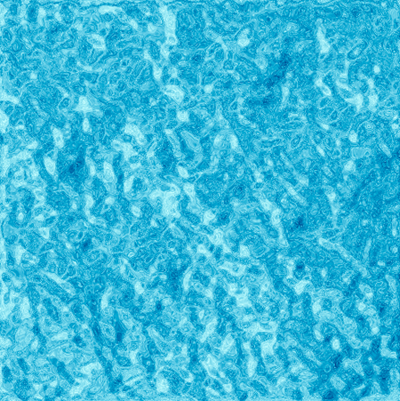
1. New Document (500x500) Transparent BackGround.
2. Filter > Render > Clouds
3. Filter > Pixelate > Pointilize (Cell Size: 5)

4. Duplicate the Layer (Layer > Duplicate Layer)
5. Now on the top layer, go "Filter > Sketch > Chrome (Detail 10 | Smoothness 6)"
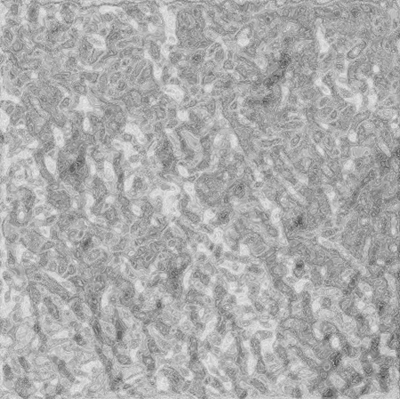
6. Now it's time for some nice color. Press "Ctrl+B" to bring up color balance. and use these settings:
Midtones:
[Cyan] 100
[Blue] 100
Highlights:
[Cyan] 20
Finished Result: