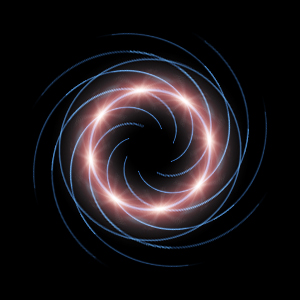
1. Create a new document with a black background.
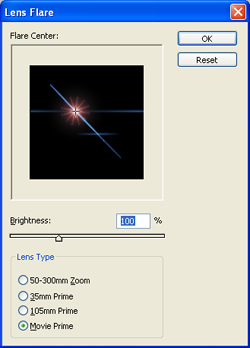
2. Go to Filter> Render> Lens Flare and uses these settings:
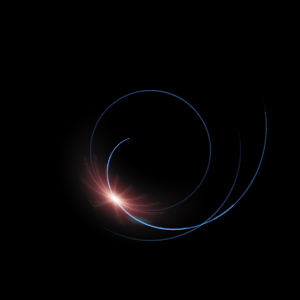
3. Now apply a Filter> Distort> Polar Coordinates and select Rectangular to Polar.
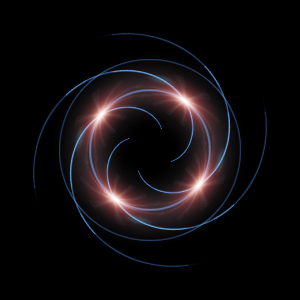
4. Duplicate the current layer and change the blending mode to Screen. Rotate it by 90. Do this step two more times.
5. Flatten the image then duplicate the layer and rotate it by 45. Change the blending mode to Screen and you're done.