1. Open a new document of any size, I'm using one that is 620×200 with #ece9de background.
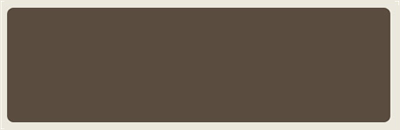
2. Select the Rounded Rectangle Tool, draw a rectangle, then rasterize the layer and fill with this color #5a4c3f:
3. Download and install this brush.
4. Select the rectangle, create a new layer and fill it with the brush with our background color #ece9de.
5. Turn the new layer opacity to 25%.
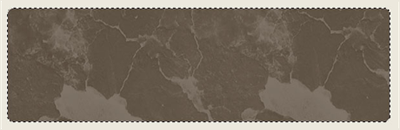
6. Write your text, I am using Arial Black.

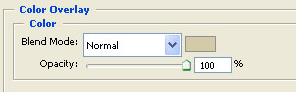
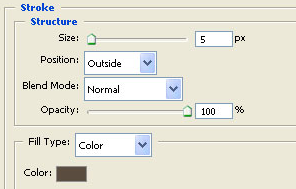
7. Right click on your text layer and choose Blending Options, use these settings:
Color Overlay: use this color: #ece9de
Stroke: use this color: #5a4c3f
8. Select the shape of the text, create a new layer and fill it with the brush using this color #615446
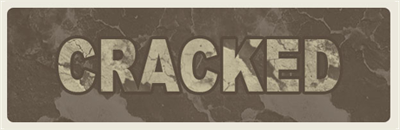
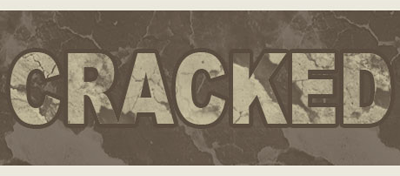
I want to thank deviantart.com for the nice Cracks Brush.
