1. Make a new Document, than press ' D ' To reset your colors
2. Take the paint brush tool and draw Misc Shapes, like the image below
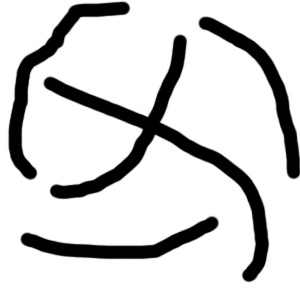
3. Now goto Filter > Blur > Radial Blur
Amount: 100%
Type: Zoom:
Quality: Best
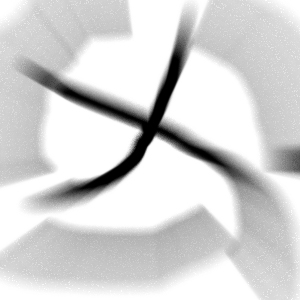
4. Now goto Filter > Stlize > Find Edges, Now Repeat Step 3.
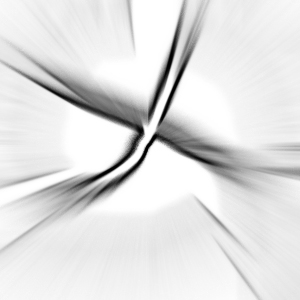
5. Now Press CTRL + I And than Draw A White X IN the middle of that with the paint brush tool.

6. And than Repeat step 3 Again And than goto Filter > Stylize > Find Edges, And than Repeat Step 3 Once Again
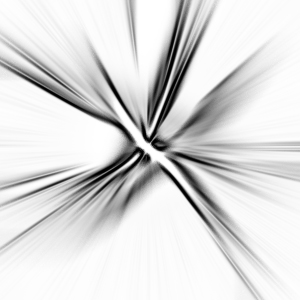
7. Now Press CTRL + I, And than CTRL + U And add some color and your done! For my Color i used
Hue: 185
Saturation: 25
Lightness: 0