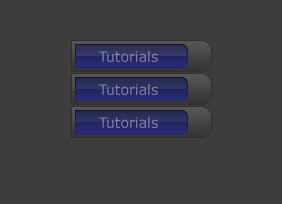
Start with a new document. Fill it with the background color of your choice.
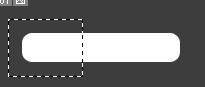
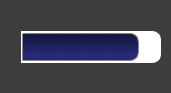
Make a new layer and grab your Rounded rectangle tool and make a shape like this:

Now create a selection on the left of your shape and press delete
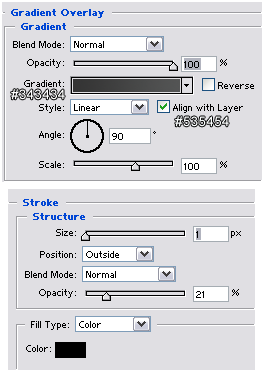
Apply these settings:
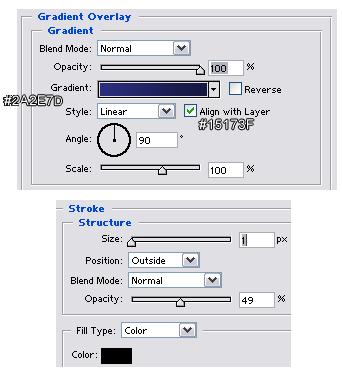
You should now have this:
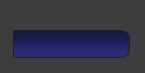
Now create a new layer underneath the formal layer and create the same shape we did before, only this time a bit bigger. And again delete some of the left.
Apply the following settings:
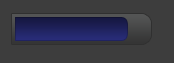
You should now have this:
Create a new layer on top of all the other layers and generate the selection of our first shape by ctrl+clicking on the shape's layer (in CS2, click on the layer's thumbnail) delete half of the selection, by creating a new selection on top other selection, while holding down alt. Fill the selection with white.
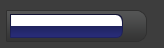
Lower the opacity to 10%. and your done! you could add some text to it if you like. Here's my result, your final result should look similar to this: