


Step 1.
Create a new document in photoshop of any size. For this tutorial I will be working with a 300x300 document.
Step 2.
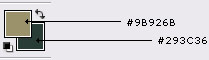
Set your foreground color to: #9B926B, and your background color to: #293C36
Step 3.
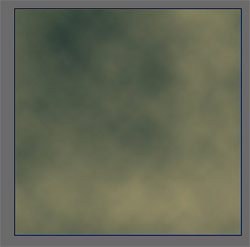
Go to Filter->Render->Clouds.
Press Ctrl + F on your keyboard until you get a good contrast in colors, such as I have done here:
Step 4.
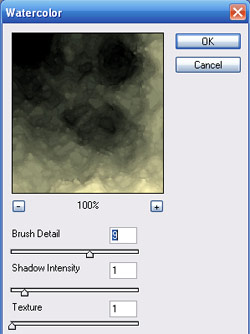
Go to Filter->Artistic->Watercolor, and apply the following settings:
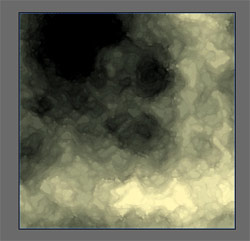
Result:
Step 5.
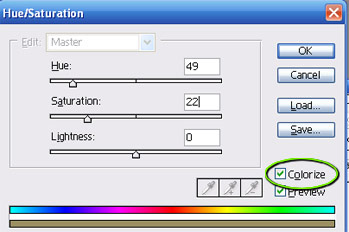
Go to Image->Adjustments->Hue/Saturation (or press Ctrl + U on your keyboard) to open up the Hue/Saturation Utility. Apply the following settings:
Note: Make sure the "Colorize" box is checked
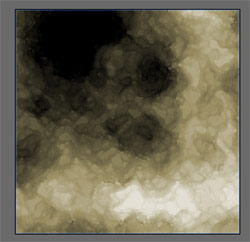
Result:
Step 6.
Press Ctrl + J on your keyboard to duplicate this layer. Name the new layer "Rock".
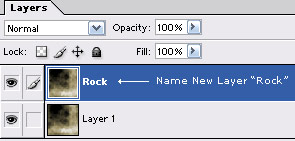
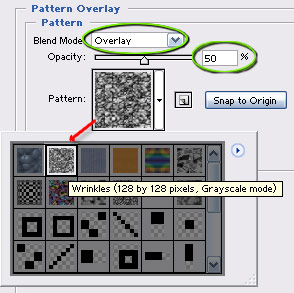
Double click this layer, and apply the following options:
Pattern Overlay:
Result:
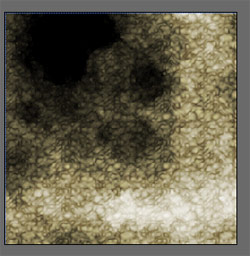
Step 7.
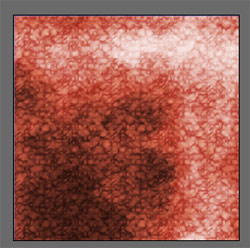
Press Ctrl + J on your keyboard, and name this new layer "Shadow Color":
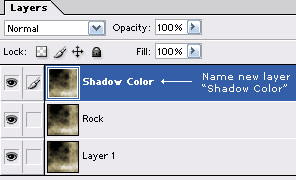
Press Ctrl + U on your keyboard to open up the Hue/Saturation Utility, and apply the following settings:
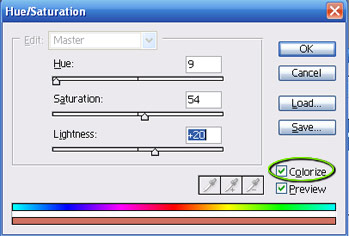
Result:
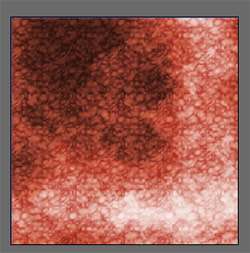
Go to Edit->Transform->Flip Vertical.
Result:
Step 8.
Click back on the original "Rock" layer to select it.
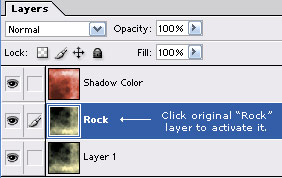
Press Ctrl + J on your keyboard to duplicate this layer once again.
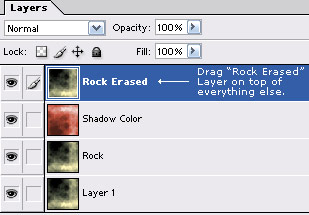
Name this new layer "Rock Erased", and drag it on top of all other layers in your layer pallet as I have done here:
Get out the Erase tool (
 ) and set it up as I have done here:
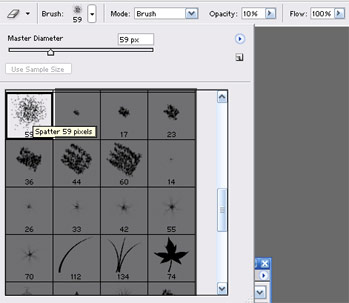
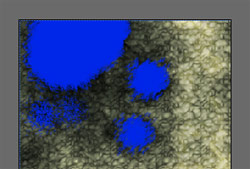
Using the Eraser Tool, erase the darker spots on the canvas, to reveal the Reddish color below. Here is the the areas that I erased (shown in blue):
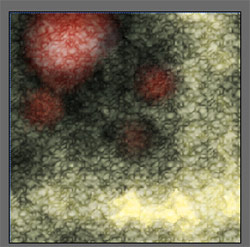
Here is how mine came out after a little erasing:
Step 9.
Finally we're going to just enhance the 3d effect a bit. Go ahead and get out the Burn Tool (
 ), and set it up as I have done here:

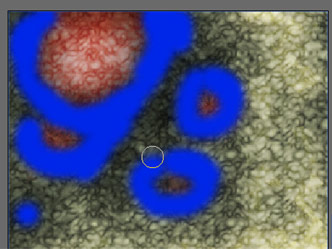
With this tool, circle around the edges of the areas that we erased in the previous step on the "Rocky Erased" layer. Below is the areas that I brushed with the Burn Tool (shown in blue):
Result:
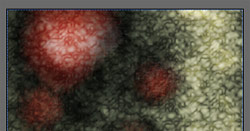
And here is how my final result turned out:
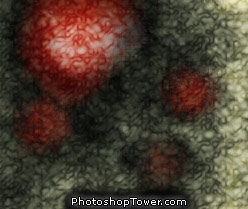
As you can probably guess, the key is to experiment with different colors, and layer styles ~ but needless to say you can come up with nearly endless different effects and combinations using these easy steps, and techniques.
