


1. Open your blurred photo. I am using this image.
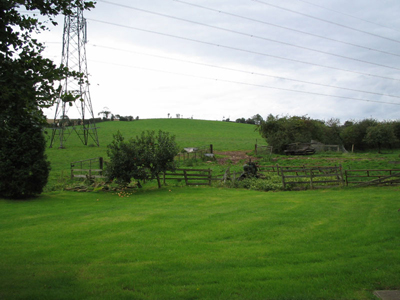
Click to enlarge
2. Press Ctrl + J to duplicate your background layer
3. Go to Filter >> Other >> High Pass. You may want to set this higher depending on how blurry your image is, as my image isn't too bad I am going to use 5px.
4. Set the layers blending mode to Hard Light and lower the opacity to 30%.
5. This is the unblurred version.
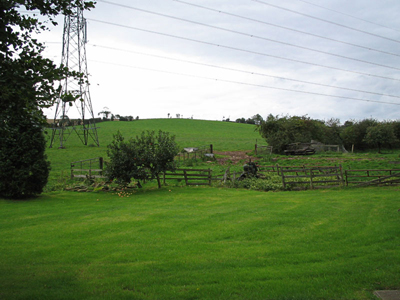
Click to enlarge
This shows the difference between the original and sharpened.
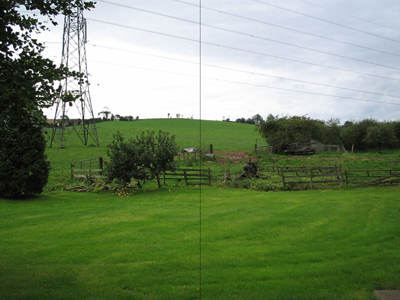
Click to enlarge
