1. Open Photoshop and create a new image, 600x600
2. Set the foreground colour to #336699 and the background colour to #FFFFFFF
3. Create a new layer
4. Go to Filter >> Render >> Clouds
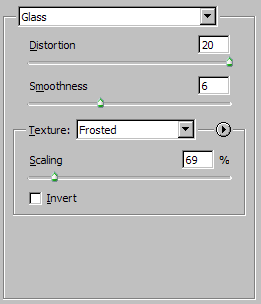
5. Then go to Filter >> Distort >> Glass. Use these settings:
6. Then go to Filter >> Distort >> Ripple. Set to 65%.
7. Press Ctrl + T then right click in the transform area and click Perspective
8. Click and hold the bottom right arrow and drag as far to the right as you can. The further you drag it the closer to the perspective will be closer to the water.
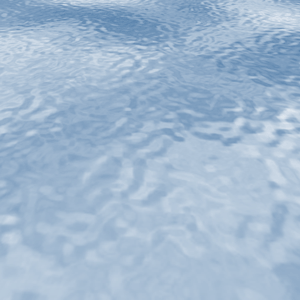
9. Press the tick button to apply the perspective. You should get this: