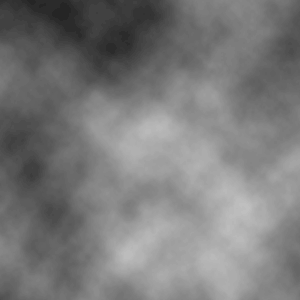
1. Open a new document any size will do, make sure the colour pallet is set to default (black and white). Then we do a cloud filter.. Filter > Render > Clouds
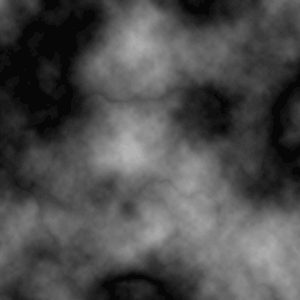
2. Filter > Render > Difference Clouds - repeat this step 2 MORE times:
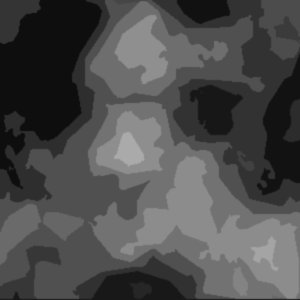
3. Filter > Artistic > Cutout - change the values to: (number of levels:8; edge simplicity:5; edge fidelity:3) now click ok.
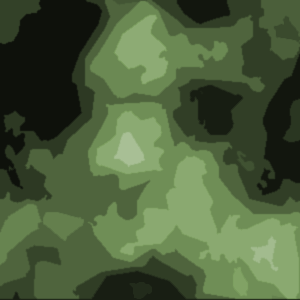
4. To add colour.. we bring the hue/saturation window up - do this by clicking ctrl and u.